Gaming
NVIDIA GPU Tier List 2026: Which GeForce Graphics Cards Are Actually Worth Buying?
From the RTX 5090 to older GTX cards, this NVIDIA GPU tier list ranks the graphics cards that are actually worth buying for gaming in 2026 based on performance, VRAM, features, age, and price.
By Worth-the-cart
•
•
7 min read


Buying an NVIDIA graphics card in 2026 is a little strange. The RTX 50 Series is now the current generation, but that does not mean every RTX 40 or even RTX 30 Series card suddenly became irrelevant. In fact, depending on what you play, what resolution you use, and especially what price you can find, some older NVIDIA GPUs are still much easier to recommend than their replacements.
That is also why I did not want to make this a simple fastest-to-slowest list. We already know the RTX 5090 is faster than an RTX 5070, and nobody needs a 5,000-word article to figure that out. What I actually want to answer is whether these graphics cards make sense to buy for gaming in 2026. Performance matters most, but I am also considering VRAM, ray tracing, DLSS support, age, power requirements and current pricing.
Pricing deserves particular attention because the GPU market is not exactly normal right now. The RTX 5090 launched with a $1,999 MSRP, yet Tom’s Hardware recently reported current 5090 pricing above $4,000 in some cases. That creates situations where an objectively incredible graphics card can still be a terrible purchase.
So throughout this tier list, I am going to separate “this GPU is fast” from “this GPU is worth buying.” Those are not always the same thing.
This article contains affiliate links. If you buy something through one of these links, WorthTheCart may earn a commission at no extra cost to you.
How I Ranked the NVIDIA GPUs
The easiest way to make a GPU tier list is to open a benchmark chart and copy the order. That is not what I am doing here. I am using benchmark data as a starting point, particularly Tom’s Hardware’s updated 2026 GPU hierarchy, but the final tiers are based on what I think makes sense for someone actually shopping for a gaming GPU today.
Tom’s Hardware has retested current NVIDIA, AMD and Intel cards for its 2026 hierarchy using native rendering rather than relying on upscaling or frame generation to make the numbers look better. That is useful here because technologies such as DLSS and Multi Frame Generation can massively change the FPS counter, but I still want to know how powerful the GPU underneath those features actually is.
Gaming Performance
Raw gaming performance is still the biggest part of the ranking. I am looking at how these cards perform at 1080p, 1440p and 4K, with more weight given to 1440p and 4K as we move into the expensive cards. Buying an RTX 5090 because it destroys everything at 1080p would obviously make very little sense when far cheaper GPUs can already produce extremely high frame rates at that resolution.
Ray tracing matters as well. NVIDIA has traditionally been strong here, and if you are spending hundreds—or thousands—of dollars on a GeForce card, ignoring ray-tracing performance would make the comparison incomplete. At the same time, I am not ranking a card highly just because DLSS can turn 45 native FPS into a much bigger number on the screen.
VRAM Matters More Than It Used To
VRAM has become one of the biggest dividing lines between GPUs. NVIDIA's current lineup stretches from 8GB cards like the RTX 5050 and RTX 5060 all the way to the RTX 5090 with 32GB. The RTX 5070 has 12GB, while the RTX 5070 Ti and RTX 5080 both come with 16GB.
I do not think an 8GB graphics card suddenly becomes unusable because the calendar says 2026. Plenty of games still run perfectly well on one. But when you are spending serious money and hoping to keep the same GPU for several years, having additional memory is becoming increasingly valuable. Steam's July 2026 Hardware Survey even showed 16GB becoming the most common GPU memory configuration among surveyed users, overtaking 8GB.
That is why two cards with similar average performance may not necessarily receive the same recommendation from me.
DLSS, Frame Generation and Ray Tracing
One of the biggest reasons to buy a newer NVIDIA card is the software surrounding it. The RTX 50 Series uses NVIDIA's Blackwell architecture with fifth-generation Tensor Cores and fourth-generation ray-tracing cores, and newer cards have access to NVIDIA's latest DLSS features.
Those features are genuinely useful, especially at 4K or when heavy ray tracing is enabled. I just do not want them to hide weak native performance. If I am comparing a newer GPU against an older one, I would rather first establish how fast each card actually is and then treat DLSS and frame generation as additional advantages.
Price Can Completely Change the Ranking
This is probably the most important thing to understand before reading the tiers: there is no permanently correct GPU tier list when prices keep changing.
A discounted RTX 4080 SUPER might be a fantastic purchase. That same card sitting next to an RTX 5080 for almost identical money is much harder to justify. The RTX 4070 SUPER can look excellent at one price and mediocre after a retailer raises it by $150.
So think of the rankings as a guide rather than permission to buy a GPU at any price. I would always compare the actual listings available to you before ordering.
A Tier
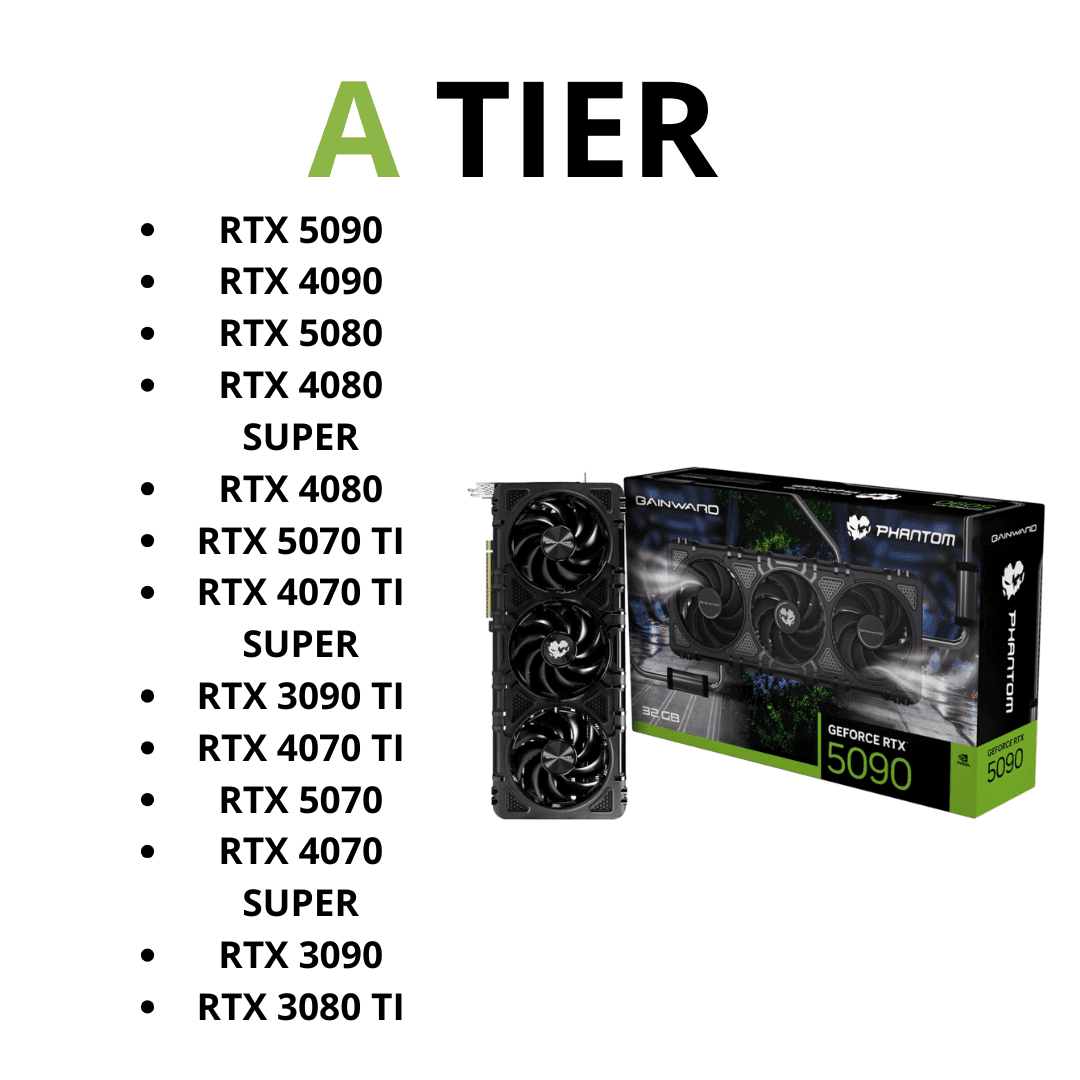
A Tier is where I am putting NVIDIA's strongest gaming cards and the models that make the most sense at the upper end of the market. That does not mean every A Tier card represents good value. Some of these GPUs are absurdly expensive, but their performance is strong enough that they still belong at the top of a gaming-focused tier list.
There is also a much bigger difference between these cards than the letter beside them might suggest. An RTX 5090 and RTX 5070 Ti can both be A Tier while targeting completely different buyers and budgets.
RTX 5090
The RTX 5090 is the easiest card on this list to understand and one of the hardest to recommend. If all you care about is owning the fastest GeForce gaming GPU available, this is it. NVIDIA equipped it with 21,760 CUDA cores, 32GB of GDDR7 memory and a massive 512-bit memory interface. The specification sheet is excessive, and for once, the gaming performance is equally excessive.
Tom’s Hardware’s updated 2026 hierarchy puts the RTX 5090 firmly at the top of its current GPU testing. In its rasterized gaming results, it uses the 5090 as the 100% performance baseline, with the RTX 4090 falling to roughly 89% of its performance in its first test column and the RTX 5080 sitting much farther behind. The RTX 5090 also leads the ray-tracing rankings, so there really is not a hidden gaming weakness that suddenly makes another NVIDIA card faster once you enable more demanding settings.
For someone building an extreme 4K gaming PC around a high-refresh display, the 5090 is incredible. It also makes sense if gaming is only part of what you do and the system will be used for workloads that can make use of 32GB of VRAM. For a normal gaming build, though, I think it is almost impossible to justify at current street prices. Spending more than $4,000 on a GPU to gain performance you may barely notice outside the most demanding 4K scenarios is a completely different proposition from buying it at its already expensive $1,999 launch price.
So yes, the RTX 5090 belongs in A Tier. It is the fastest GPU here. But “fastest” and “best purchase” are two very different awards, and I would not put the 5090 anywhere near the top of a value ranking.
RTX 4090
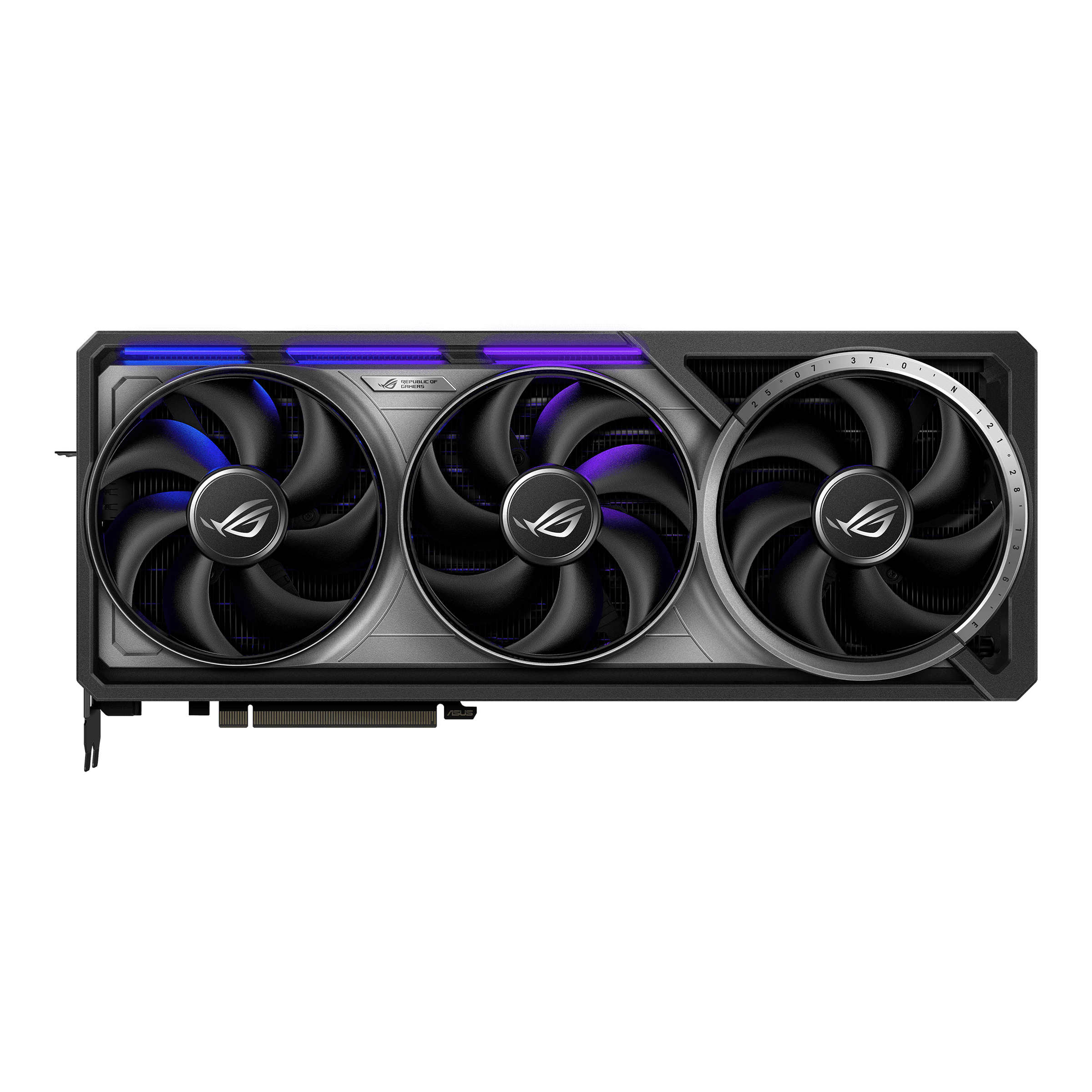
The RTX 4090 might actually be more impressive in 2026 than it was when it launched. NVIDIA has already released an entire new generation, yet the old flagship is still sitting ahead of the RTX 5080 in Tom’s Hardware's current gaming hierarchy. That is a pretty good demonstration of how ridiculously powerful the 4090 was from the beginning.
Its 24GB of VRAM is also still enormous for gaming, and that removes one of the concerns I have with buying some older graphics cards today. You are not getting the newest Blackwell architecture or every feature NVIDIA reserves for the RTX 50 Series, but you are getting a GPU that remains exceptionally capable at 4K, ray tracing and high-refresh gaming. If you already own one, I would find it very difficult to justify replacing it purely for gaming unless you absolutely need the best of the best.
Buying one in 2026 is more complicated. The 4090 only makes sense if the price reflects the fact that it is an older card. If you find one at a genuinely good used price or substantially below a 5090, there is still an argument for it. If a seller wants a premium simply because the card says “4090” on the side, I would move on. The RTX 4090 has aged extremely well, but that does not mean you should pay launch-era flagship money forever.
This is one of those rare GPUs where the arrival of its successor did not make it feel obsolete. The RTX 5090 is faster, but the RTX 4090 is still brutally fast.

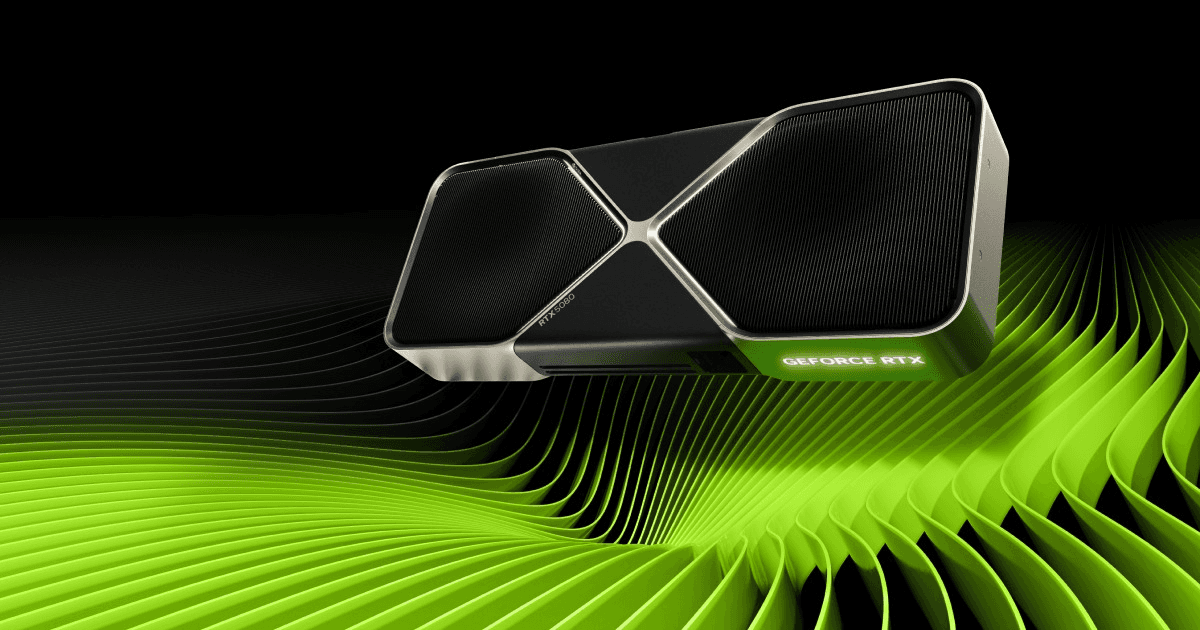
RTX 5080
The RTX 5080 is where NVIDIA’s current generation starts becoming a lot more interesting, but it is also a card that needs context. If you looked only at the name, you might assume that a new “80-class” GPU would naturally beat the previous generation's 4090. It does not. In Tom’s Hardware's current hierarchy, the RTX 4090 remains comfortably ahead of the RTX 5080, while the 5080 lands only modestly ahead of the RTX 4080 SUPER.
That does not make the 5080 disappointing as an actual gaming GPU. It is still extremely fast, comes with 16GB of GDDR7 memory and gives you the full Blackwell feature set. For high-refresh 1440p it is frankly more performance than most people need, while 4K is where I think the card starts to make much more sense. You have enough VRAM for the kind of settings this GPU is designed to run, excellent ray-tracing capabilities and the option of leaning on NVIDIA’s latest DLSS technologies when a particularly demanding game pushes native performance too far.
The problem is not really the card; it is how much you have to pay for it. At or reasonably close to its intended $999 level, I can understand buying an RTX 5080 for a premium 4K system. Once retail prices start climbing dramatically above that, the value proposition deteriorates quickly. Suddenly the slightly slower RTX 5070 Ti becomes much more interesting, or a discounted RTX 4080 SUPER starts looking like the sensible choice.
That is a theme you will see repeatedly in this tier list. A good GPU does not automatically equal a good deal. The RTX 5080 is absolutely an A Tier gaming GPU, but I would check the 5070 Ti price before buying one every single time.
RTX 4080 SUPER
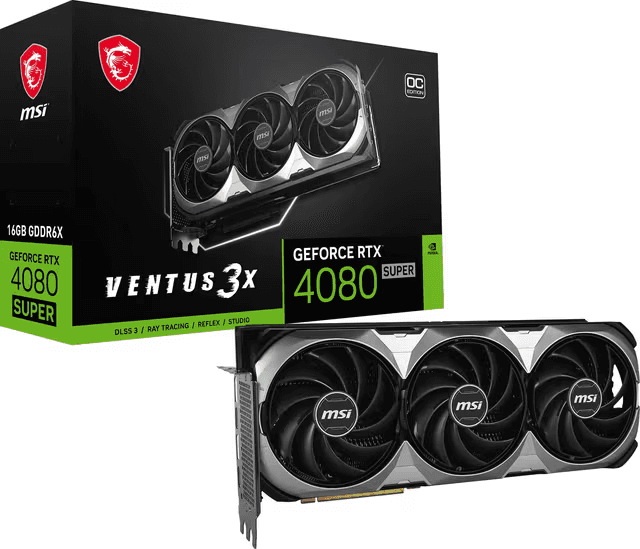
The RTX 4080 SUPER is exactly why I would not shop by generation alone. It might be from the RTX 40 Series, but its gaming performance is still close enough to the RTX 5080 that a good discount can completely change which card makes more sense.
Tom’s Hardware currently places the RTX 5080 at roughly 78% of the RTX 5090's raster performance in its leading benchmark column, while the RTX 4080 SUPER sits at about 75%. The gap changes depending on resolution and workload, but the larger point is obvious: the RTX 5080 is faster, yet the 4080 SUPER did not suddenly fall off a cliff when Blackwell arrived.
The 4080 SUPER also has 16GB of VRAM, which means I do not have the same long-term memory concern here that I have with some cheaper 8GB cards. It remains an excellent 1440p GPU and a very capable 4K option. You lose the newest RTX 50-specific capabilities, but if your main concern is actually playing games rather than owning the newest architecture, that difference may matter less than several hundred dollars in your pocket.
This is not a card I would blindly buy new at any price, though. If it costs almost as much as an RTX 5080, take the newer card. If retailers are clearing remaining inventory and you find the 4080 SUPER meaningfully cheaper, the situation reverses. Previous-generation high-end GPUs are often at their most interesting when nobody wants them simply because something newer has appeared.
Check the RTX 4080 SUPER on Amazon
RTX 5070 Ti
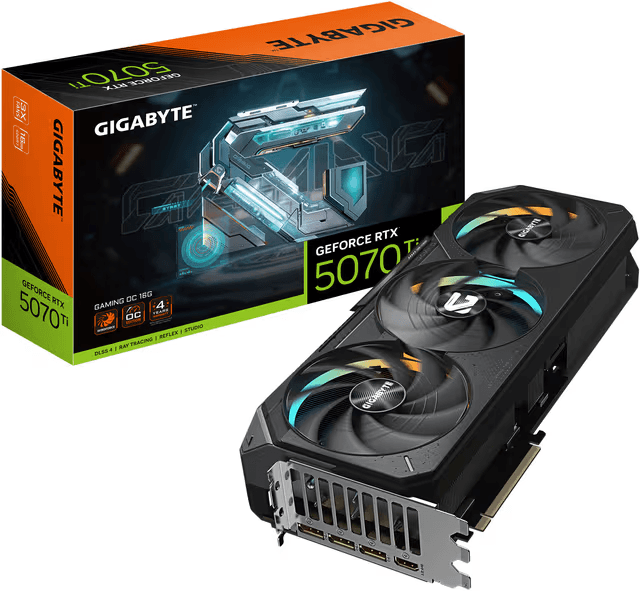
If I were spending serious money on a gaming GPU rather than trying to build the most expensive PC possible, the RTX 5070 Ti is where I would start paying very close attention. It comes with 16GB of GDDR7, 8,960 CUDA cores and the same Blackwell generation of Tensor and ray-tracing hardware found higher up the RTX 50 Series. More importantly, you are not sacrificing nearly as much gaming performance as the price difference to the flagships might suggest.
In Tom’s Hardware's 2026 hierarchy, the RTX 5070 Ti lands relatively close to the RTX 4080 SUPER and RTX 5080. Their current raster ranking puts the 5080 at 78.2% of the 5090 baseline, the 4080 SUPER at 75%, and the RTX 5070 Ti at 71.9%. That is a much smaller performance spread than the names—and potentially the prices—might make you expect. Tom’s also specifically points toward the 5070 Ti as one of the last cards where ray-tracing price-to-performance remains relatively reasonable before stepping into the much more expensive 5080, 4090 and 5090 territory.
That combination makes the 5070 Ti particularly attractive for 1440p. You can push high settings and high refresh rates without immediately paying flagship prices, while 16GB of VRAM gives the card much more breathing room for future games than NVIDIA's 12GB and 8GB models. It is also strong enough for 4K if you are willing to adjust settings occasionally or use DLSS in the games where it makes sense.
I would still compare prices carefully because nothing in the current GPU market should be bought blindly. But out of NVIDIA's expensive cards, the RTX 5070 Ti is one of the first where the performance, memory and price can actually line up in a way that feels reasonable for a high-end gaming PC.
Check the RTX 5070 Ti on Amazon
RTX 4070 Ti SUPER
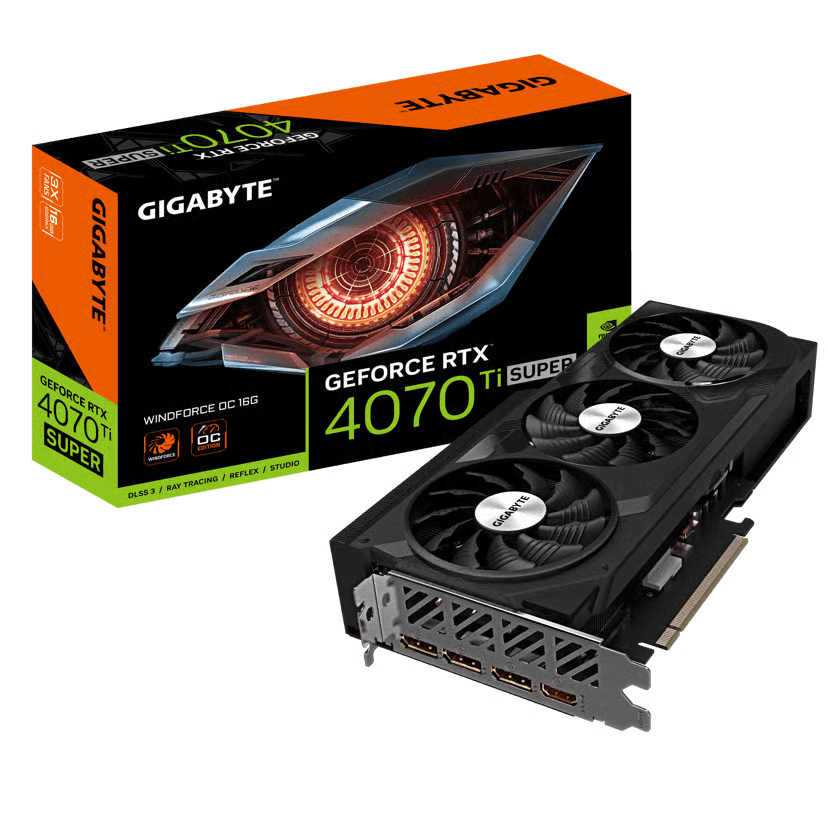
The RTX 4070 Ti SUPER is another older card that I do not think deserves to disappear from the conversation yet. It sits just behind the RTX 5070 Ti in Tom’s Hardware's current hierarchy, and unlike the original 4070 Ti, the SUPER model has 16GB of VRAM. That memory upgrade matters a lot more to me in 2026 than a few extra percentage points on a benchmark chart.
The real reason to consider it is price. I would not choose a 4070 Ti SUPER over a similarly priced 5070 Ti. The newer card is faster, uses Blackwell and gives you access to the latest NVIDIA feature set. But clearance pricing can make previous-generation GPUs surprisingly attractive, and if the 4070 Ti SUPER is sitting hundreds of dollars below a 5070 Ti, the older model becomes much harder to dismiss.
For high-refresh 1440p, it remains an excellent card, and it has enough performance for serious 4K gaming as well. This is exactly the kind of GPU I would search for rather than specifically set out to buy: if the deal appears, take a closer look. If the price is ordinary, buy the newer card instead.
Check the RTX 4070 Ti SUPER on Amazon
RTX 5070
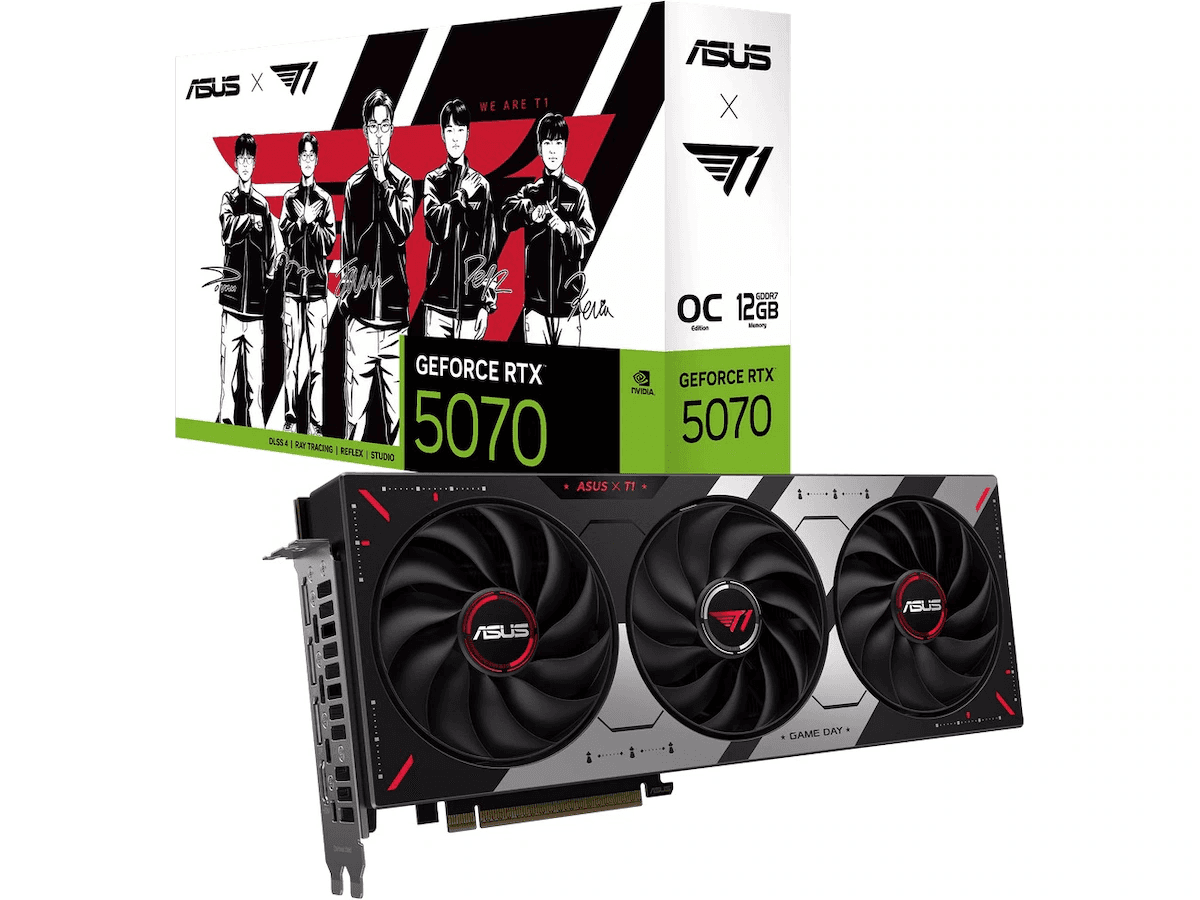
The RTX 5070 is where the compromises become more noticeable, but also where pricing starts moving toward something a much larger group of PC gamers could realistically consider. NVIDIA gives it 12GB of GDDR7 and 6,144 CUDA cores, which places it noticeably below the 16GB RTX 5070 Ti.
Performance is still very good. Tom’s Hardware currently places the RTX 5070 around the territory of cards like the RTX 3090 Ti depending on resolution and workload, which would have sounded ridiculous a few generations ago. The catch is that you are getting half the VRAM of the old RTX 3090 Ti and 4GB less than the 5070 Ti. For a 1440p gaming PC, 12GB is still a workable amount of memory, but it is the first card in A Tier where I would start thinking more seriously about how long I plan to keep it.
I still like the RTX 5070 when the price is right. It is fast enough that most gamers will get far more practical use from it than they would from a 5090, and you still get the major Blackwell features without entering four-figure GPU territory. The 5070 Ti is the card I would rather own, but the normal RTX 5070 could easily be the smarter purchase if the price difference is large.
RTX 4070 SUPER
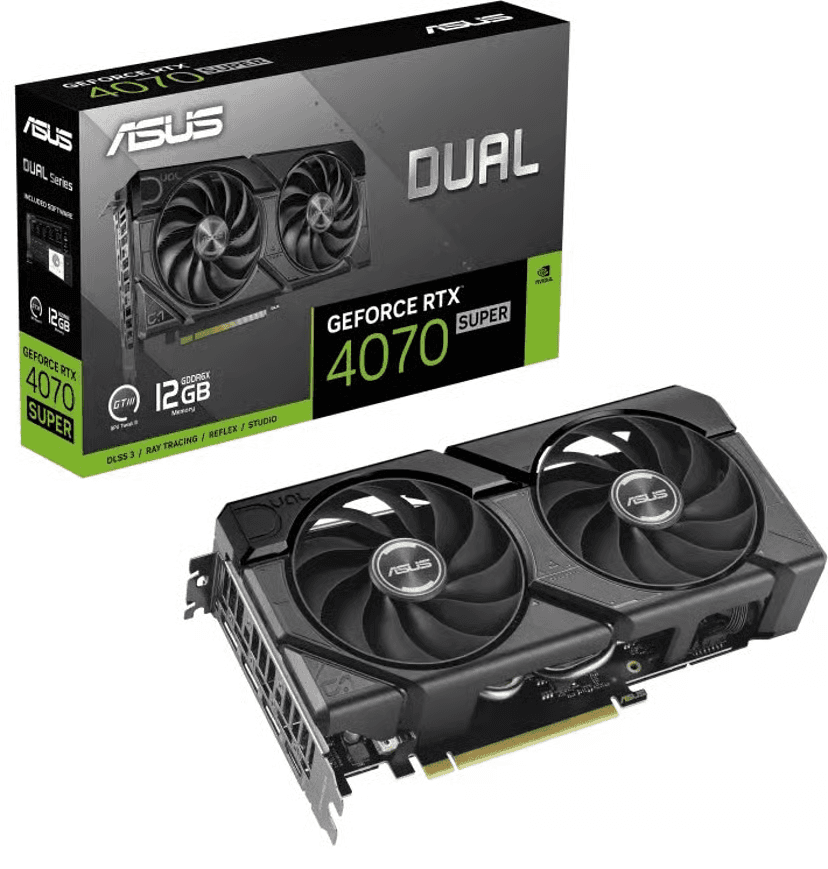
The RTX 4070 SUPER is one of those cards that has become more interesting with age rather than less. It is not new anymore, and NVIDIA has faster Blackwell options on the market, but the 4070 SUPER still lands in a very useful part of the performance chart. NVIDIA gave it 7,168 CUDA cores and 12GB of GDDR6X memory, which is less VRAM than I would ideally want from a card I plan to keep for many years, but still enough for a strong 1440p gaming setup today.
Tom’s Hardware’s 2026 testing puts the RTX 4070 SUPER ahead of the RTX 3080 Ti in its main rasterized hierarchy and noticeably ahead of the RTX 3080 and standard RTX 4070. That is a good reminder that this was not just a minor refresh of the normal 4070. It is genuinely faster, while also giving you Ada Lovelace efficiency, DLSS Frame Generation and newer ray-tracing hardware than the RTX 30 Series.
The part I like most about the 4070 SUPER is that it feels like a very sensible 1440p card. You do not need to pair it with an absurdly expensive monitor or CPU to make use of it, and you can still push demanding games at high settings without immediately reaching for DLSS just to get acceptable performance. It can also handle 4K, especially with upscaling, although I would personally start looking toward a 16GB card if 4K is going to be the main purpose of the system.
The only thing that would stop me from recommending it is price. If the RTX 4070 SUPER is sitting too close to an RTX 5070, I would rather have the newer architecture. If you find the 4070 SUPER discounted, though, it is still one of the older NVIDIA cards I would feel completely comfortable putting into a new gaming PC in 2026.
Check the RTX 4070 SUPER on Amazon
RTX 3090
The RTX 3090 is a weird card to judge as a gaming purchase because it was never really a normal gaming GPU in the first place. NVIDIA launched it with 24GB of GDDR6X memory, 10,496 CUDA cores and a 384-bit memory interface, which is still an enormous amount of VRAM even by 2026 standards.
That giant memory pool is probably the main reason people are still interested in the 3090. For pure gaming, however, you should not assume that 24GB automatically makes it faster than newer mid-to-high-end cards. Tom’s Hardware’s current hierarchy places the RTX 3090 below the RTX 4070 SUPER in rasterized gaming and only slightly above some much newer cards depending on the resolution being tested.
That sounds harsh until you remember how old the 3090 is. It launched in 2020 and can still deliver very strong performance in modern games. It also remains interesting if you do anything outside gaming that can actually use 24GB of VRAM, such as certain 3D workloads, local AI projects or heavy content creation. In those situations, the 3090 can make far more sense than the gaming charts alone suggest.
For someone building a gaming-only PC, though, I would mainly look at the 3090 on the used market. It is powerful, but it is also less efficient than newer cards and lacks the newer frame-generation features found on Ada and Blackwell GPUs. I would not pay a premium just because it has 24GB printed on the specification sheet. A good used price can make it a fantastic high-end card; a bad price makes a 4070 SUPER, 5070 or even 5060 Ti much easier to live with.
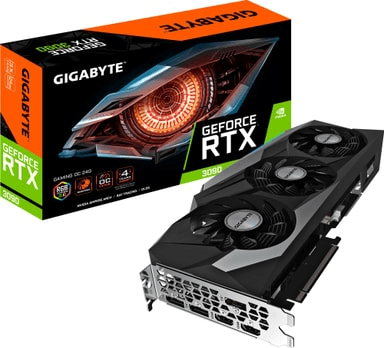
B Tier
This is probably the most useful tier in the entire article.
A Tier has the exciting cards, but B Tier is where a lot more people will realistically be shopping. These GPUs are fast enough for proper gaming PCs, and several of them can still be excellent purchases in 2026. The compromises just become more noticeable. Some have only 8GB of VRAM, some are several generations old, and others only make sense if the price is right.
I would not describe B Tier as bad in any way. In fact, there are cards here that I would buy before certain A Tier GPUs depending on budget.
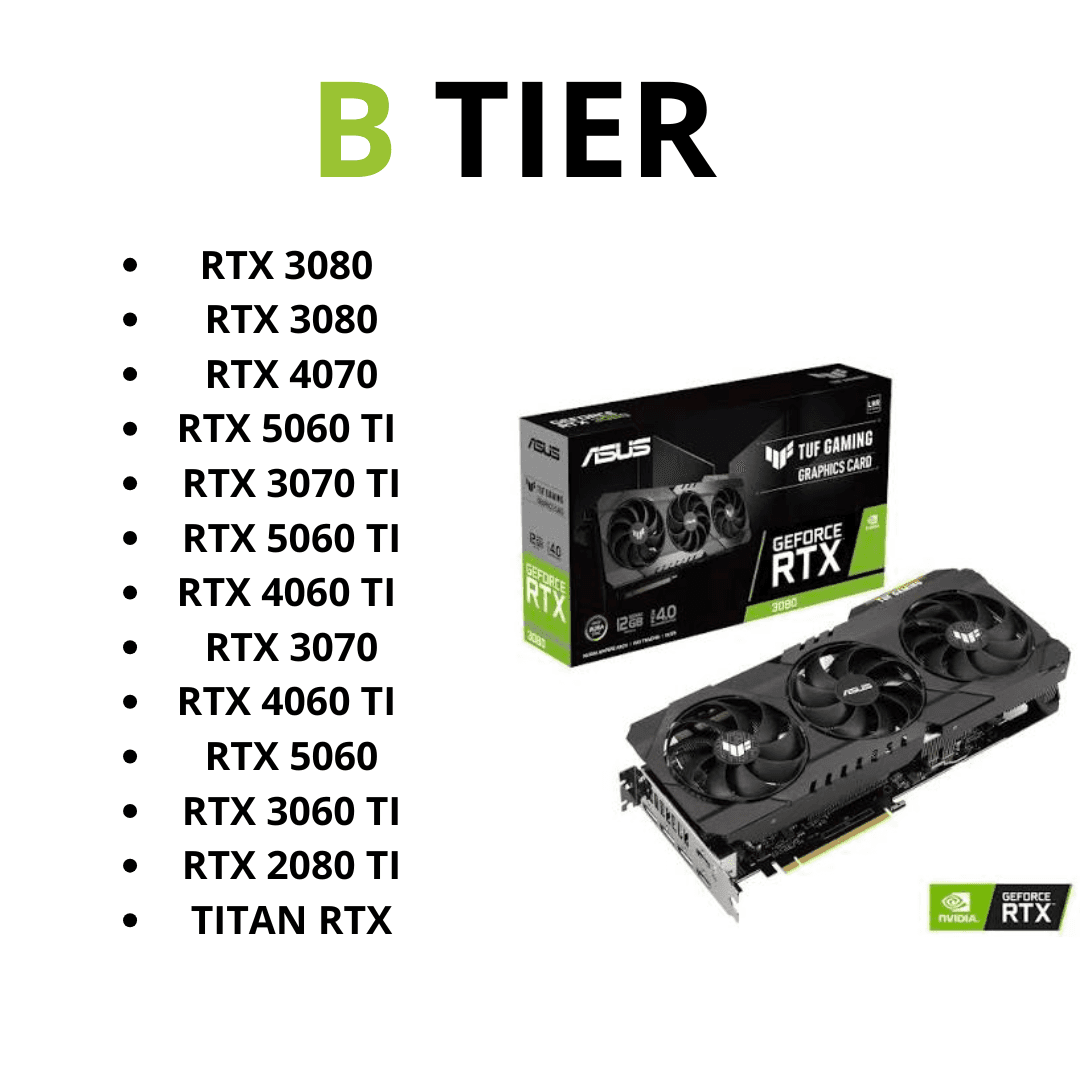
RTX 4070
The standard RTX 4070 has been slightly overshadowed by the 4070 SUPER, but it is still a very capable card. NVIDIA equipped it with 5,888 CUDA cores and 12GB of memory, and like the SUPER version it uses Ada Lovelace with DLSS 3.5 support and hardware frame generation.
The problem is that the 4070 SUPER is meaningfully faster. In Tom’s Hardware’s current rasterized testing, the standard RTX 4070 lands around the RTX 3080, while the 4070 SUPER sits comfortably above both. That makes the price difference between them extremely important.
If you find a discounted 4070, it can still make a lot of sense for 1440p. It is efficient, it has enough VRAM for the majority of games at that resolution, and it gives you access to NVIDIA’s better modern features without jumping into RTX 50 Series pricing. What I would not do is buy one for nearly the same amount as a 4070 SUPER or RTX 5070. At that point you are simply leaving too much performance on the table.
This is a recurring theme with older GPUs: they do not stop being good when something newer appears, but the price needs to move with their age.
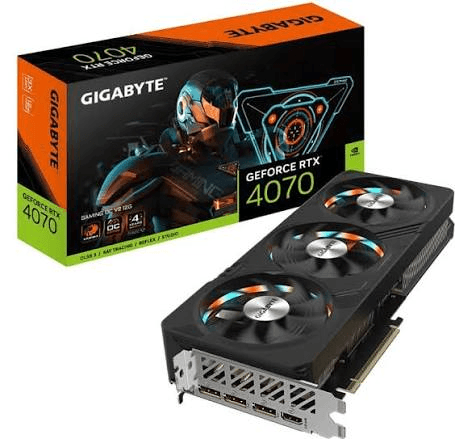
RTX 5060 Ti 16GB
The RTX 5060 Ti 16GB might be one of the easiest cards in B Tier for me to recommend because its biggest advantage is also extremely simple: it has 16GB of VRAM.
Both versions of the RTX 5060 Ti use the same Blackwell architecture and 4,608 CUDA cores, but NVIDIA sells the card with either 8GB or 16GB of GDDR7. Both use a 128-bit memory interface and support DLSS 4, Multi Frame Generation, Reflex 2 and the rest of the newer Blackwell feature set.
The raw performance is also perfectly respectable. Tom’s Hardware currently places the 16GB 5060 Ti just behind the RTX 4070 in rasterized performance and ahead of cards such as the RTX 3070 Ti and RTX 4060 Ti 16GB. At 1440p in particular, it occupies a nice middle ground where you are getting enough performance for high settings without paying for the extreme upper end of the market.
What really makes me prefer this version is longevity. I would much rather buy 16GB today and never think about it again than save a relatively small amount upfront and wonder whether 8GB will become a limitation in the games I want to play two or three years from now. That does not mean the 8GB model suddenly cannot game, but when the same GPU is available with twice the memory, the 16GB version is the one I would try to get.
This is probably one of the more balanced NVIDIA cards in the entire article. It is not exciting in the same way as an RTX 5090, but it is exactly the kind of GPU that makes sense in a real-world gaming PC.
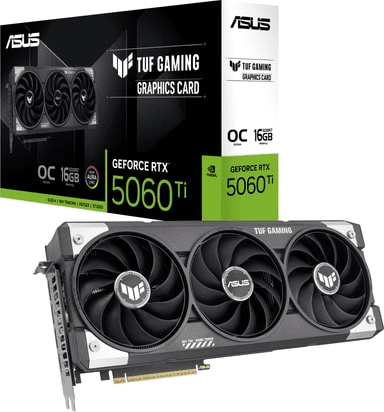
Check the RTX 5060 Ti 16GB on Amazon
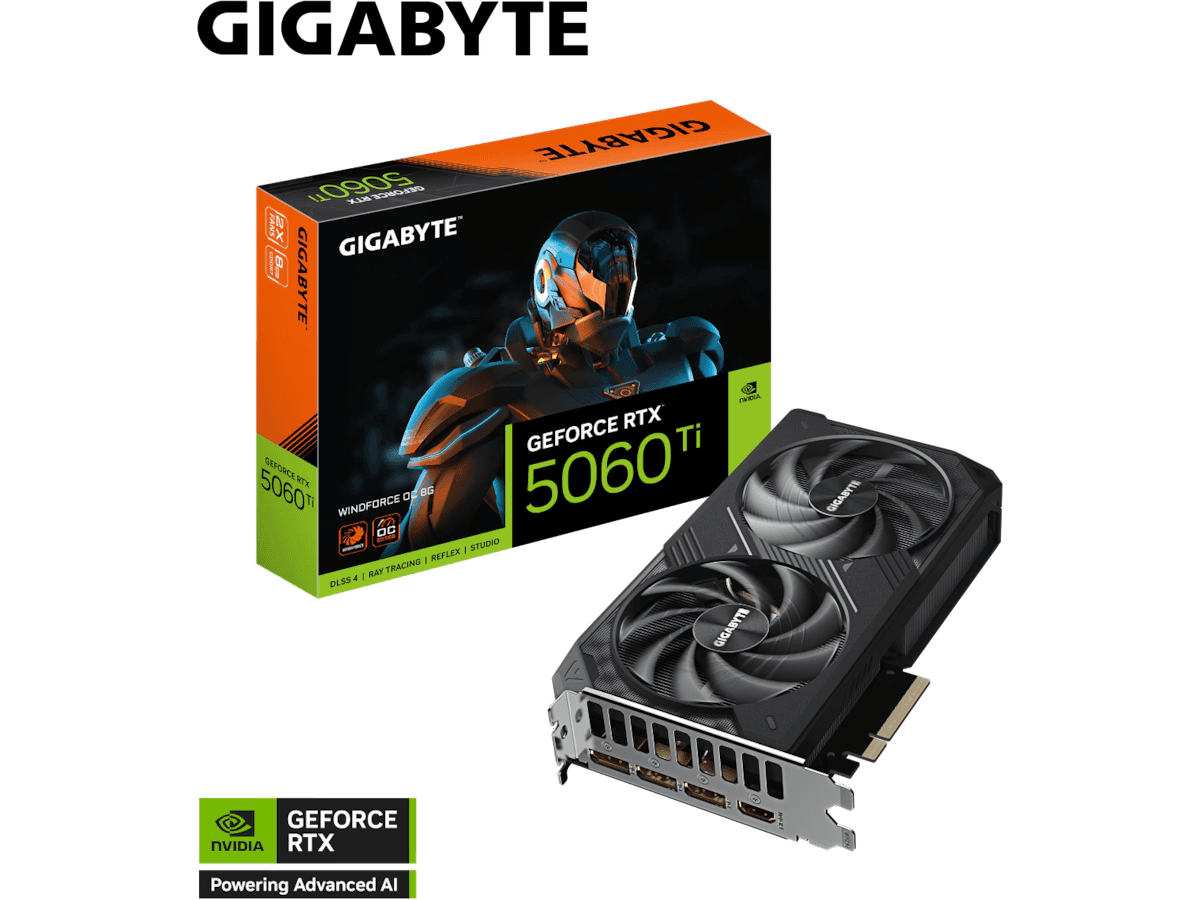
RTX 5060 Ti 8GB
The RTX 5060 Ti 8GB is basically the card that creates the argument for buying the 16GB model.
At lighter workloads, the two versions can perform surprisingly close to each other because the underlying GPU is the same. Tom’s Hardware’s raster results show only a relatively small gap between the 16GB and 8GB models in some test conditions. Once memory pressure starts increasing, however, the 8GB card can fall away much more dramatically. The difference is particularly obvious in Tom’s current ray-tracing hierarchy, where the 8GB model drops much further behind the 16GB card at the most demanding test setting.
That is exactly why simply looking at an average FPS result can be misleading. If the game fits comfortably inside 8GB, the cheaper 5060 Ti can look like great value. If it does not, the fact that the GPU itself is reasonably powerful does not help as much.
I do not think the 8GB 5060 Ti deserves to be called a bad card. At 1080p it can be excellent, and even at 1440p it will run plenty of games extremely well. It also has DLSS 4 and Multi Frame Generation, so the overall feature set is very modern.
But if the 16GB version is only slightly more expensive, I would buy the extra VRAM every time. The 8GB version becomes interesting when there is a genuinely meaningful price gap.
Check the RTX 5060 Ti 8GB on Amazon
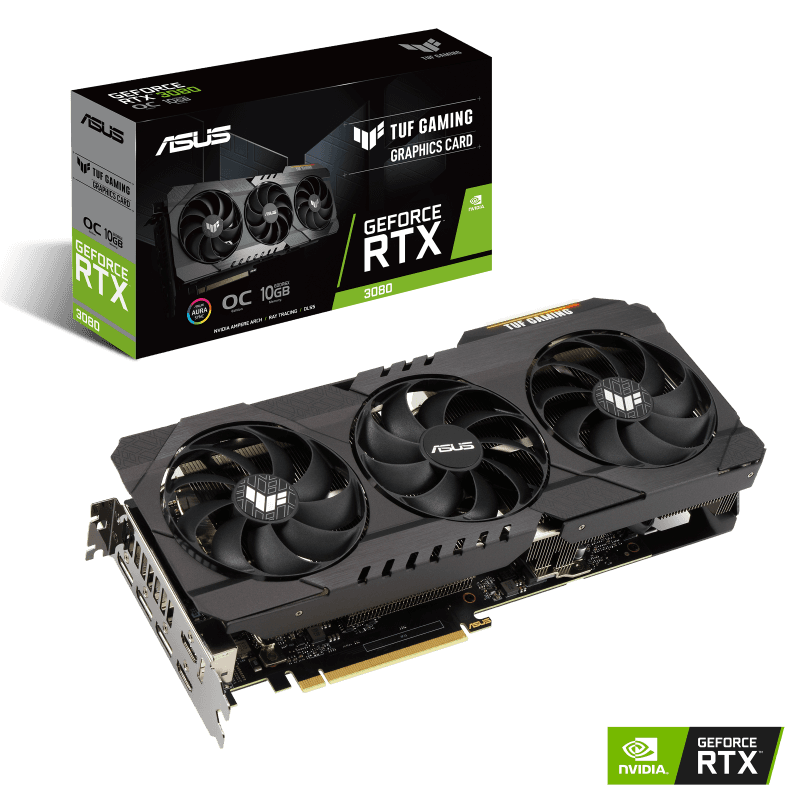
RTX 3080
The RTX 3080 is probably one of the best examples of an older card that is still fast enough to be relevant but has become harder to recommend blindly.
In Tom’s Hardware’s current raster hierarchy, the RTX 3080 is basically neck-and-neck with the RTX 4070 depending on resolution. That is impressive for a card launched back in 2020, and it explains why so many people who bought one during the RTX 30 era still have no urgent reason to upgrade.
If you already own an RTX 3080, I would keep it unless there is something specific bothering you. It is still an excellent 1440p card, and 4K remains realistic with the right settings. The problem appears when you are shopping for one today. Many models have 10GB of VRAM, power consumption is substantially higher than newer alternatives, and most 3080s you find at attractive prices will be used cards that may already have several years of gaming—or mining—behind them.
That does not scare me away completely. Used GPUs can offer fantastic value, and an RTX 3080 at the right price can absolutely outperform many brand-new budget cards. I would simply want a good enough discount to compensate for the age, power draw and lack of newer features such as Frame Generation.
If a seller wants modern RTX 5070 money for one, no. If someone is selling a clean RTX 3080 at a genuinely low used price, then this card becomes interesting very quickly.
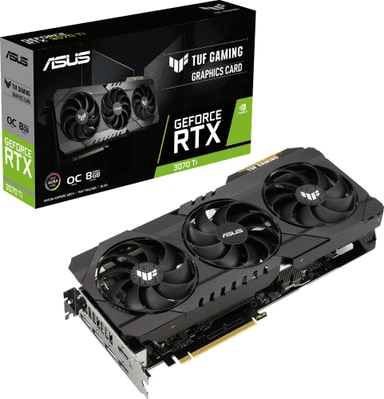
RTX 3070
The RTX 3070 was one of the most appealing NVIDIA cards when it launched, but 2026 exposes its biggest weakness more clearly than ever: 8GB of VRAM.
Its actual GPU performance has not disappeared. Tom’s Hardware still places the RTX 3070 around the same general performance region as cards such as the RTX 4060 Ti depending on the test, and it remains significantly faster than many entry-level GPUs.
For 1080p, the RTX 3070 can still be a very strong card. It is also capable at 1440p, especially if you are willing to lower texture settings in the occasional memory-heavy game. What makes me hesitate is buying one now with the intention of keeping it for another four or five years. Eight gigabytes was acceptable when the card launched; it is far less comfortable for a higher-end gaming purchase today.
That makes the RTX 3070 primarily a used-market recommendation for me. If you find one cheap enough, you can get a surprising amount of performance for your money. But I would not stretch the budget for one when newer 16GB options exist.
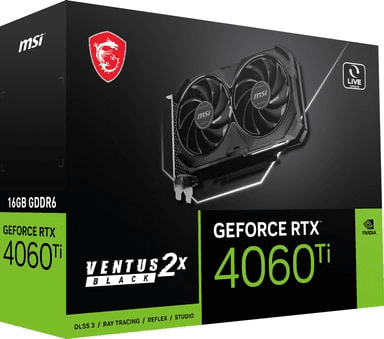
RTX 4060 Ti 16GB
The RTX 4060 Ti 16GB has always been a slightly awkward graphics card. On paper, it fixes the biggest problem with the cheaper version by doubling the memory to 16GB. NVIDIA lists both 8GB and 16GB variants with 4,352 CUDA cores and a 128-bit memory interface.
The issue is that adding more VRAM does not magically turn the underlying GPU into a high-end card. Tom’s Hardware places the 4060 Ti 16GB below the newer 5060 Ti 16GB by a clear margin in current testing, which is exactly what you would expect given that the 5060 Ti has both a newer architecture and faster GDDR7 memory.
That means the 4060 Ti 16GB is almost entirely a price-dependent recommendation in 2026. I like the memory capacity, and it is still a perfectly capable 1080p and 1440p card, but I would not buy it anywhere near the price of a 5060 Ti 16GB. The newer card simply makes more sense.
Where this older model becomes attractive is clearance pricing. If you see one heavily discounted because a retailer wants to get rid of remaining RTX 40 Series stock, the combination of 16GB VRAM and decent gaming performance can still make it a very sensible purchase.
Check the RTX 4060 Ti 16GB on Amazon
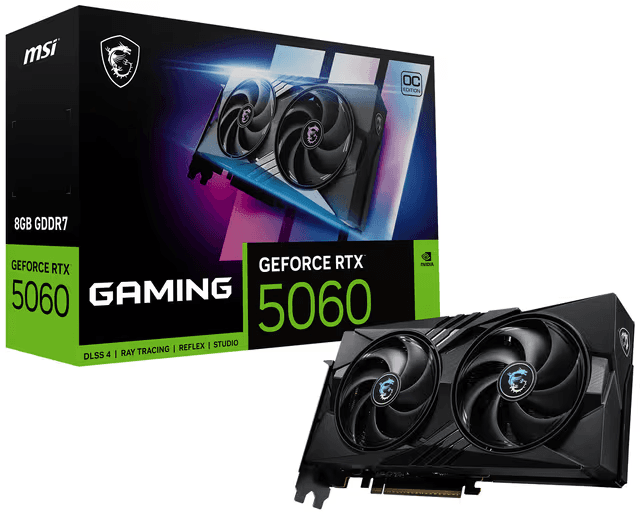
RTX 5060
The normal RTX 5060 is a card I have mixed feelings about. Its $299 starting price puts it much closer to mainstream gaming budgets, and the underlying GPU is a significant step forward from NVIDIA's cheaper cards. You get 3,840 CUDA cores, Blackwell architecture, GDDR7 memory and support for DLSS 4 with Multi Frame Generation.
Its biggest limitation is obvious: 8GB of VRAM.
Tom’s Hardware puts the RTX 5060 ahead of the RTX 3060 Ti in some of its current rasterized testing and around the same broad territory as cards such as the RTX 3070 once you move through different resolutions. That is very respectable performance for a mainstream card, particularly when you include the newer feature set and much better efficiency.
For a 1080p gaming PC, I actually think the RTX 5060 can make a lot of sense. You get enough performance for high-refresh competitive games and enough power for modern AAA titles without moving into premium GPU pricing. I am simply less excited about it as a long-term 1440p purchase because 8GB is becoming harder to ignore.
If your budget ends around this level, I would rather own a 5060 than stretch for some ancient high-end card purely because the old card once had a flagship label. Newer features, warranty coverage and efficiency have value too.
RTX 3060 Ti
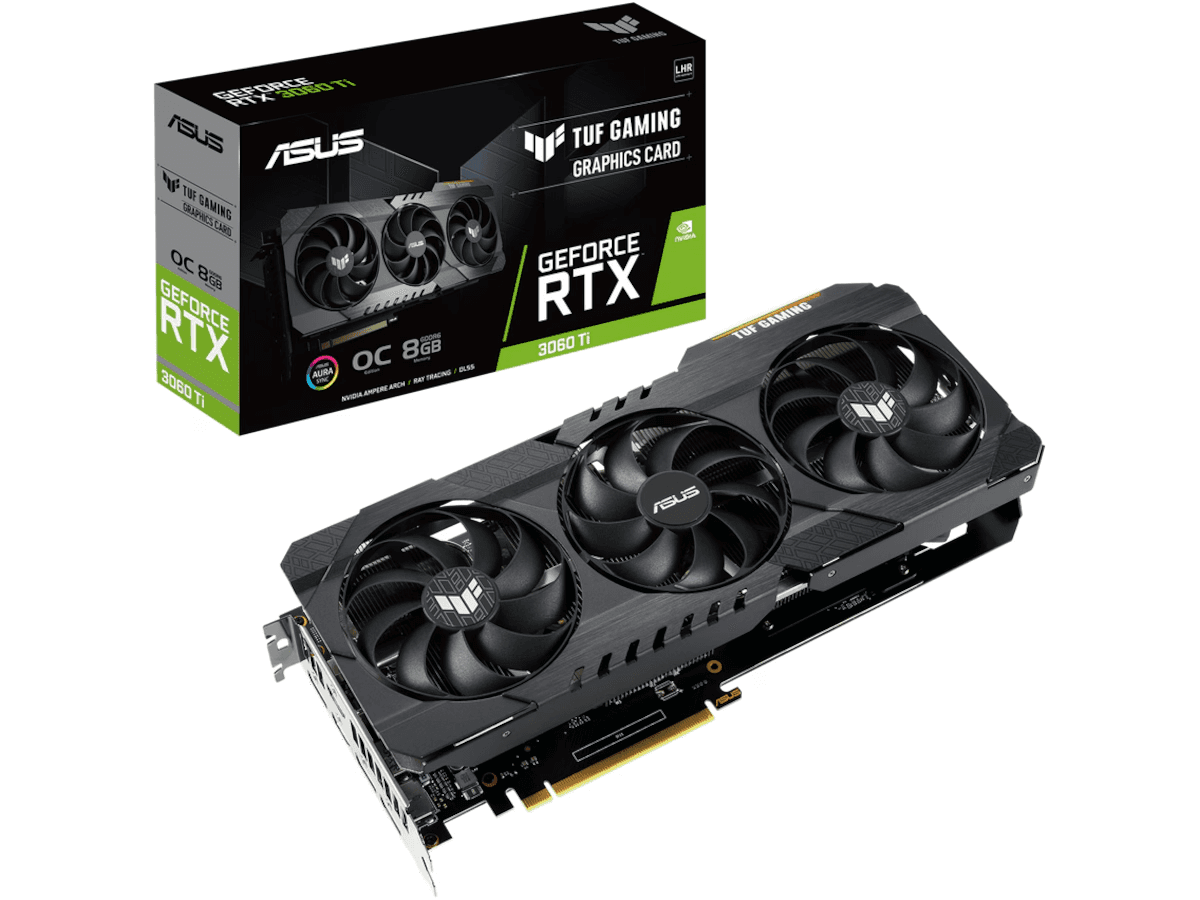
The RTX 3060 Ti has aged surprisingly well. In fact, Tom’s Hardware still has it slightly ahead of the RTX 4060 in current rasterized gaming results, which is not exactly what you would expect if you judged GPUs by model number alone.
That is why I would never tell someone who already owns a 3060 Ti that they need to upgrade simply because RTX 40 and RTX 50 cards exist. For 1080p it still has plenty of life left, and 1440p remains very playable if you are realistic about settings.
The same issue that affects the RTX 3070 appears here, though: most 3060 Ti cards have 8GB of VRAM. That is fine in a huge number of games, but it limits how enthusiastic I can be about buying one in 2026 unless the used price is genuinely attractive.
For a cheap second-hand gaming PC, I actually like the 3060 Ti a lot. It is fast enough that the system will not immediately feel outdated, DLSS Super Resolution is still available, and there are enough cards on the used market that you can sometimes find very good deals.
I just would not pay anywhere close to the price of a new RTX 5060 for one.
Check the RTX 3060 Ti on Amazon
C tier
C Tier is where this list starts becoming much more dependent on the price you actually pay. None of these GPUs are automatically bad, and several can still build a genuinely enjoyable gaming PC in 2026. The difference is that I would no longer recommend them without some kind of qualification. Maybe the card only has 8GB of VRAM, maybe it is old enough that driver support and modern features are becoming a concern, or maybe a newer alternative simply makes more sense unless you find a particularly good deal.
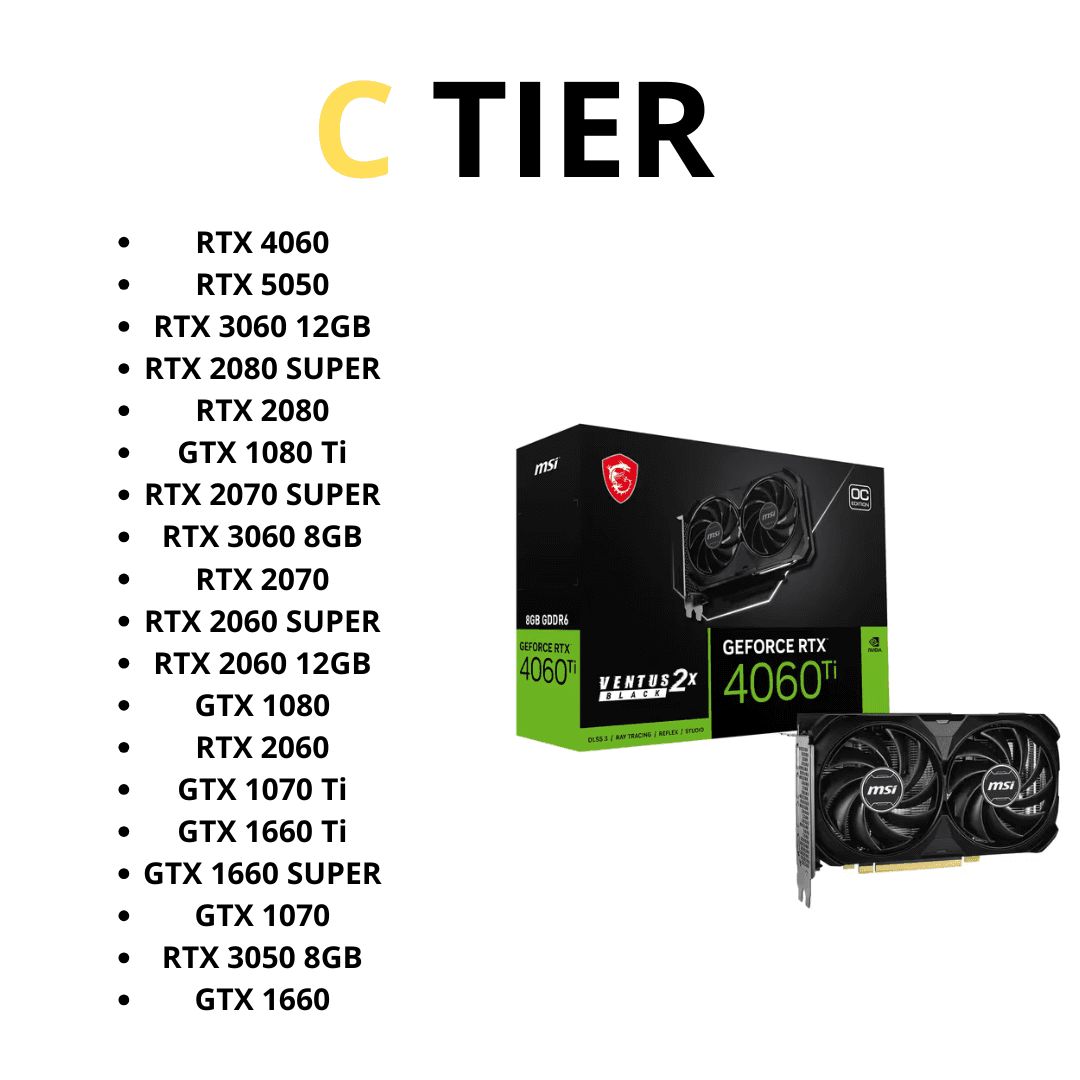
This is also where the used market becomes much more important. I would rather buy some of these cards for $150–$250 used than spend considerably more on a brand-new low-end GPU. But once sellers start asking too much simply because a card used to be high-end, the appeal disappears very quickly.
RTX 4060
The RTX 4060 received plenty of criticism when it launched, and I understand why. NVIDIA released it at $299 with only 8GB of GDDR6 and a relatively narrow memory setup, which felt conservative even in 2023. Three years later, the 8GB capacity looks like an even bigger limitation. But I also think the internet sometimes goes too far in the other direction and treats the RTX 4060 as if it is incapable of playing games. It absolutely is not. NVIDIA designed it primarily around 1080p, and with 3,072 CUDA cores, Ada Lovelace, DLSS 3 support and a very low gaming power draw, it is still a perfectly usable 1080p GPU. NVIDIA quotes around 110W of gaming power consumption, which is one of the more appealing things about the card if you are upgrading a modest prebuilt or do not want to replace your power supply.
Tom’s Hardware’s updated 2026 testing averaged roughly 71.5 FPS at its 1080p Ultra raster test setting for the RTX 4060, compared with 74.2 FPS for the older RTX 3060 Ti and 69.3 FPS for the newer RTX 5050. That puts the 4060 in an interesting position: it is clearly no monster, but it is still capable of delivering decent native 1080p performance before DLSS or Frame Generation even enters the picture.
My issue with buying one today is mostly opportunity cost. If an RTX 5060 is sitting just above it in price, I would spend more and get the newer card. If you find a 4060 heavily discounted or inside a reasonably priced prebuilt, I would not avoid the entire computer just because of the GPU. It is efficient, modern enough to support NVIDIA’s Ada features and still perfectly comfortable with esports and a lot of AAA gaming at 1080p. I just would not buy it expecting 8GB to feel generous several years from now.
RTX 5050
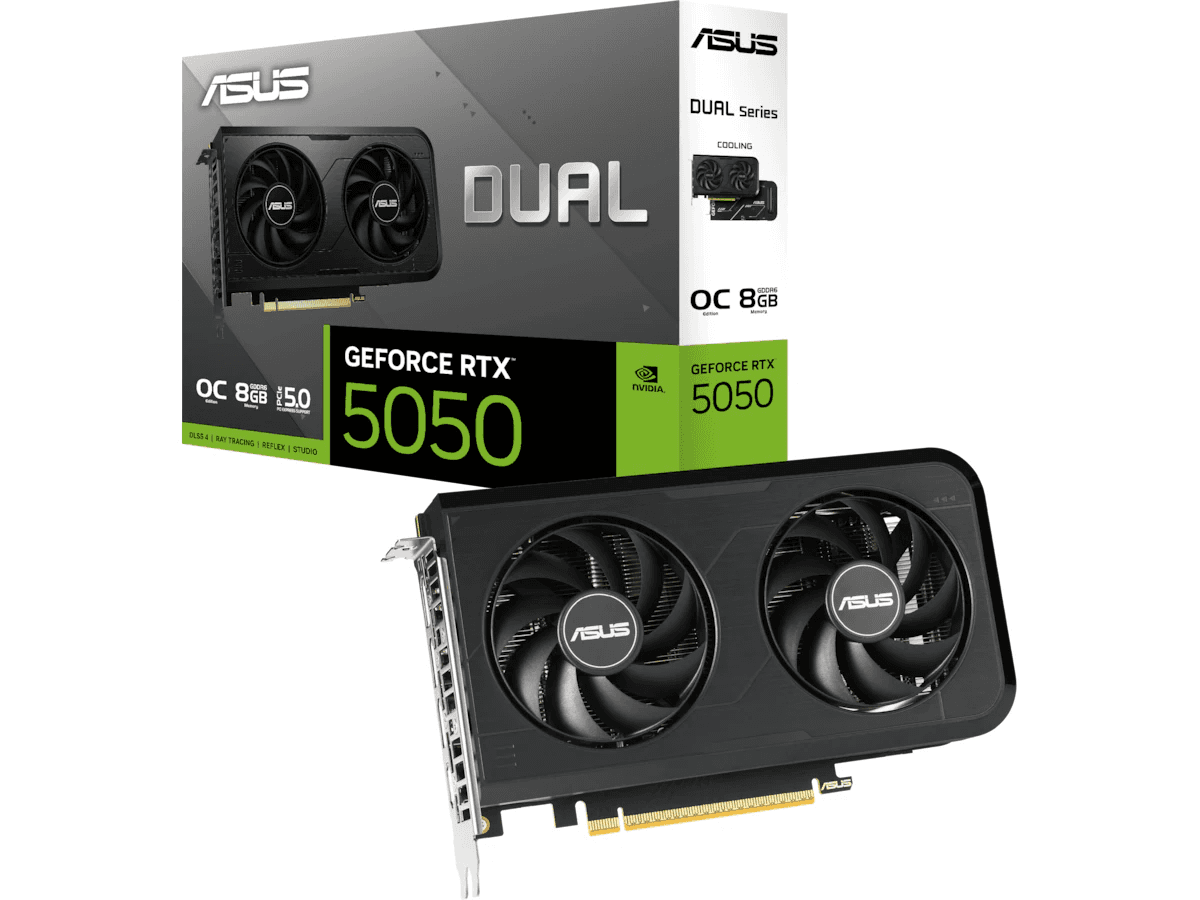
The RTX 5050 is one of the stranger cards in NVIDIA's current lineup because it combines genuinely modern Blackwell features with specifications that still look very entry-level. It has 2,560 CUDA cores and 8GB of GDDR6 on a 128-bit interface, rather than the GDDR7 used by most of the RTX 50 family. On the other hand, it still gets fourth-generation ray-tracing cores, fifth-generation Tensor cores, DLSS 4 and Multi Frame Generation. NVIDIA launched it starting at $249, which places it below the RTX 5060 rather than trying to pretend it is a high-end card.
Its native gaming performance reflects that position. Tom’s Hardware's current rasterized testing has the RTX 5050 averaging 69.3 FPS at 1080p Ultra, almost exactly alongside the RTX 4060 at 71.5 FPS. At 1440p Ultra, the figures are similarly close at 45.2 FPS for the 5050 and 47.6 FPS for the 4060. That is not bad for NVIDIA's cheapest desktop Blackwell card, but it also illustrates why I would not get too carried away by the “50 Series” name.
Where the 5050 becomes more appealing is if you are building completely new rather than upgrading from another modern GPU. You get current architecture, current software support, modern encoding features and DLSS 4 in a relatively inexpensive package. What I would not do is upgrade from an RTX 3060, 4060 or anything remotely similar to an RTX 5050. The jump simply is not worth the money. For a first budget gaming PC, however, it makes more sense—especially if you mainly play at 1080p.
RTX 3060 12GB
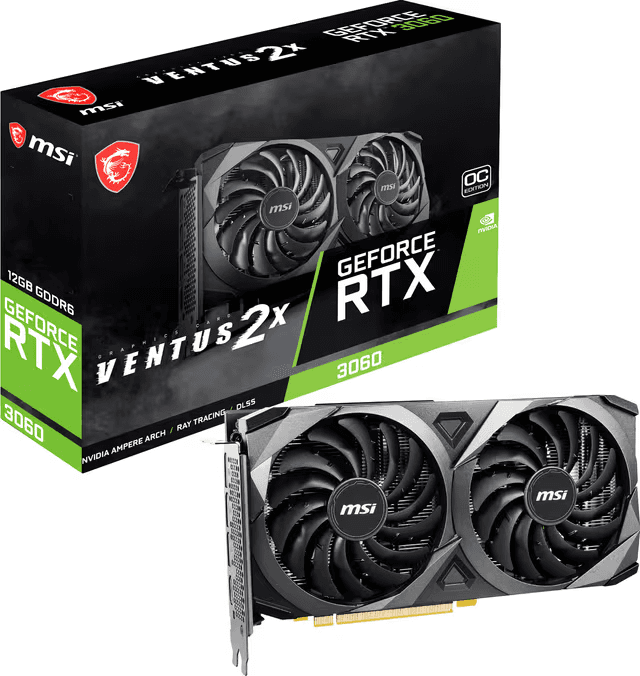
I have a soft spot for the RTX 3060 because NVIDIA accidentally gave this midrange card one specification that has aged extremely well: 12GB of VRAM. The standard 12GB RTX 3060 has 3,584 CUDA cores and a 192-bit memory interface, and while the GPU itself is clearly slower than modern alternatives, that memory configuration looks surprisingly comfortable in 2026.
Tom’s Hardware currently measures the 3060 12GB at around 61.5 FPS at 1080p Ultra and 41.9 FPS at 1440p Ultra in its rasterized suite. That puts it behind the RTX 4060, 5050 and 5060 in raw gaming performance, so I would not let the 12GB number convince you that this is somehow secretly faster than the newer cards. What the extra memory can do is prevent the card from running into some of the more awkward VRAM limitations that affect 8GB GPUs under particularly memory-heavy settings.
The RTX 3060 has also had an unusual second life. Some board partners brought 12GB models back in 2026, with Tom’s Hardware reporting new Palit RTX 3060 cards based on essentially the same five-year-old Ampere hardware. That tells you something about the current GPU market, but I would still be careful about paying a normal new-card price for one. A cheap RTX 3060 is good. An RTX 3060 priced near an RTX 5060 is not.
On the used market, though, this remains one of my favorite budget NVIDIA cards to look for. For 1080p gaming, 12GB of VRAM, DLSS support and respectable performance are a pretty nice combination if somebody is selling the card at the right price.
Check the RTX 3060 12GB on Amazon
RTX 2080 Ti
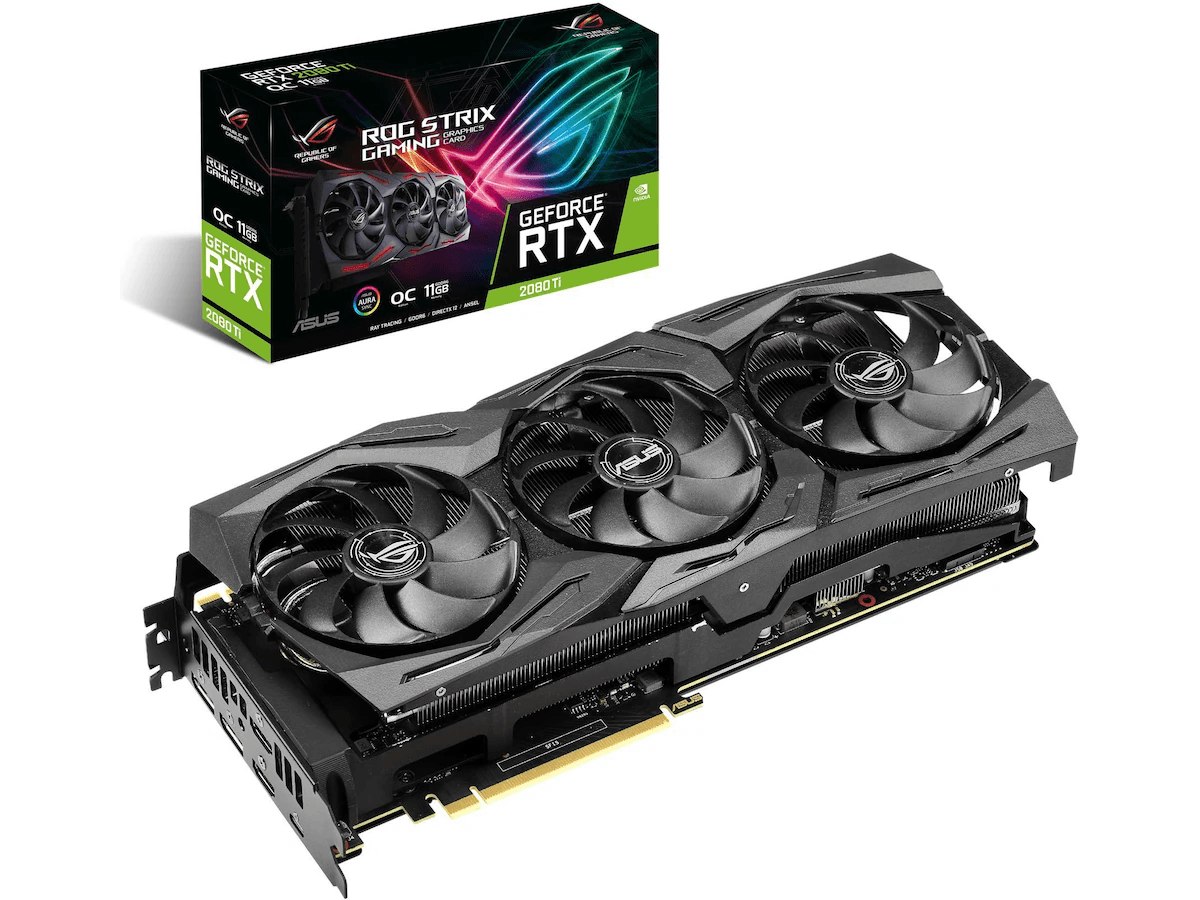
The RTX 2080 Ti is where things start getting genuinely interesting. This was once NVIDIA's flagship gaming card, launched at a price that seemed ridiculous at the time, and it came with 4,352 CUDA cores and 11GB of GDDR6 on a 352-bit memory interface. It was also the first generation where NVIDIA seriously introduced hardware ray tracing to GeForce, although those first-generation RT cores obviously cannot compete with what we have today.
I actually think the RTX 2080 Ti can still make sense as a used gaming GPU, but only if you treat it like a seven-to-eight-year-old graphics card, not a former flagship that somehow deserves a premium forever. Its 11GB of memory is still useful, and the raw performance remains respectable enough for 1080p and 1440p gaming. The problem is everything around that performance. It draws substantially more power than a modern mainstream card, lacks newer Frame Generation features, uses much older ray-tracing and Tensor hardware, and any 2080 Ti you buy second-hand has potentially been running for years.
That makes it a very price-sensitive purchase. I would much rather have a cheap, well-maintained RTX 2080 Ti than an overpriced entry-level GPU, but I would also much rather have an RTX 5060 Ti if the prices begin getting close. You are buying old high-end hardware here, and that can be a fantastic way to get performance cheaply—as long as you remember the old part as much as the high-end part.
Check the RTX 2080 Ti on Amazon
RTX 2070 SUPER
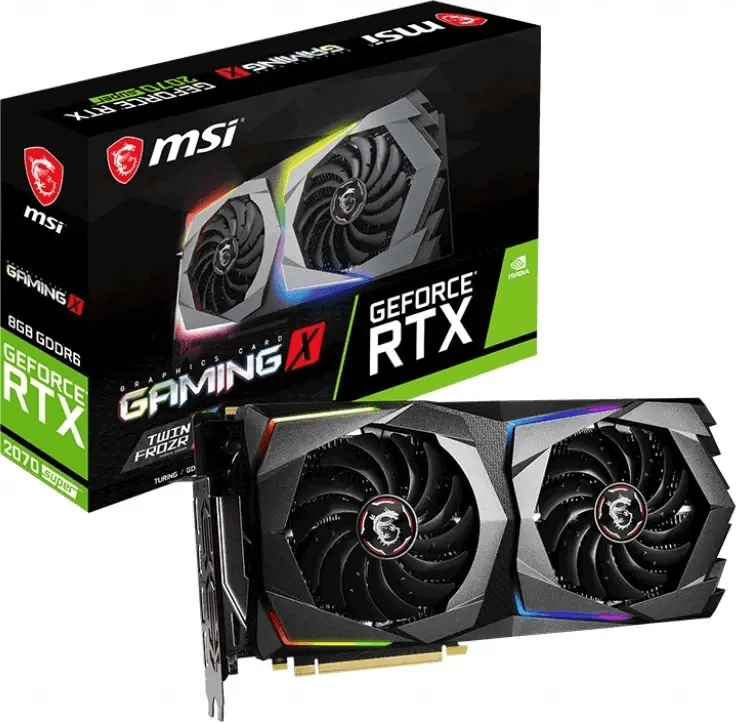
The RTX 2070 SUPER was one of the better refreshes of the original RTX 20 Series. NVIDIA increased it to 2,560 CUDA cores and gave it 8GB of GDDR6 on a 256-bit interface. At launch, NVIDIA even marketed it as being faster than the GTX 1080 Ti, although modern games and driver evolution make those old launch comparisons far less useful today.
What matters now is that there is still enough GPU here for a surprisingly decent budget gaming PC. In Tom’s Hardware's older 2022–2024 test suite, the RTX 2070 SUPER averaged 77.4 FPS at its 1080p Ultra setting and 58.4 FPS at 1440p Ultra. Those figures cannot be directly compared with Tom's new 2026 test results because the testbed and game suite changed, but they give you a good idea of where the card sat before it moved into the legacy portion of the hierarchy.
The bigger problem in 2026 is the 8GB VRAM and the age of the architecture. You still get DLSS Super Resolution and hardware ray tracing, which gives the 2070 SUPER more flexibility than an equivalent GTX-era card, but I would not buy one specifically for ray tracing anymore. I see this primarily as a cheap used 1080p/1440p card. If you find one at a genuinely low price, there is still a lot of gaming performance here. If someone is asking hundreds of dollars because it once had “SUPER” on the box, there are better places to spend the money.
Check the RTX 2070 SUPER on Amazon
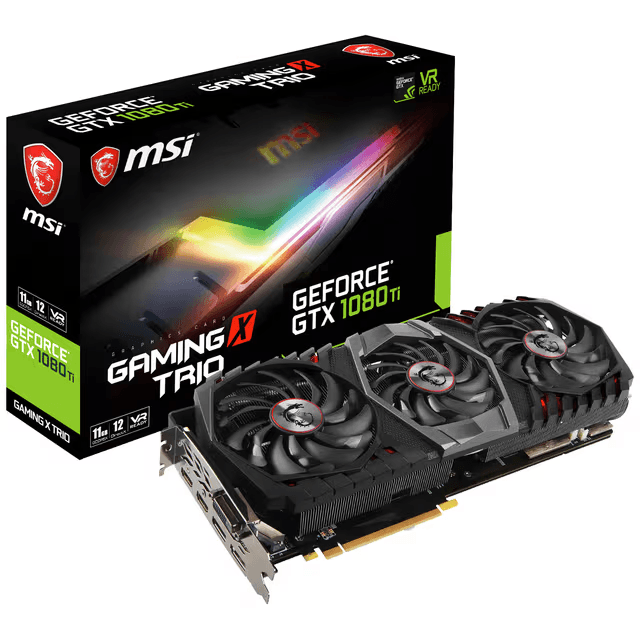
GTX 1080 Ti
Few graphics cards have aged as famously as the GTX 1080 Ti. Released in 2017 with 11GB of GDDR5X, 3,584 CUDA cores and a 352-bit interface, it became one of those rare PC components that owners could keep for generation after generation without feeling desperate to upgrade.
And remarkably, it can still play games in 2026. Tom’s Hardware revisited the GTX 1080 Ti this week and found that it remains capable of playable 1080p performance in modern titles. The 11GB memory capacity has helped it survive much longer than some newer cards with smaller VRAM pools, and in certain games it can still compete with GPUs such as the RTX 2060 and RX 6600. That is genuinely impressive for hardware approaching a decade old.
But this is also where nostalgia can become dangerous when buying hardware. The GTX 1080 Ti has no dedicated RT cores and no Tensor cores, which means no DLSS and none of NVIDIA’s modern frame-generation technology. It consumes around 250W, substantially more than many newer cards delivering similar or better performance, and newer games are increasingly being built around features that Pascal simply does not have. Tom’s recent retest found even the entry-level RTX 5050 outperforming it in many modern scenarios.
If you already own a GTX 1080 Ti and the games you play still run well, keep using it. There is something satisfying about getting nearly a decade out of one GPU. If you are buying one in 2026, however, I would only do it if the price is very low. This is now a budget used card, regardless of how legendary it once was.
Check the GTX 1080 Ti on Amazon
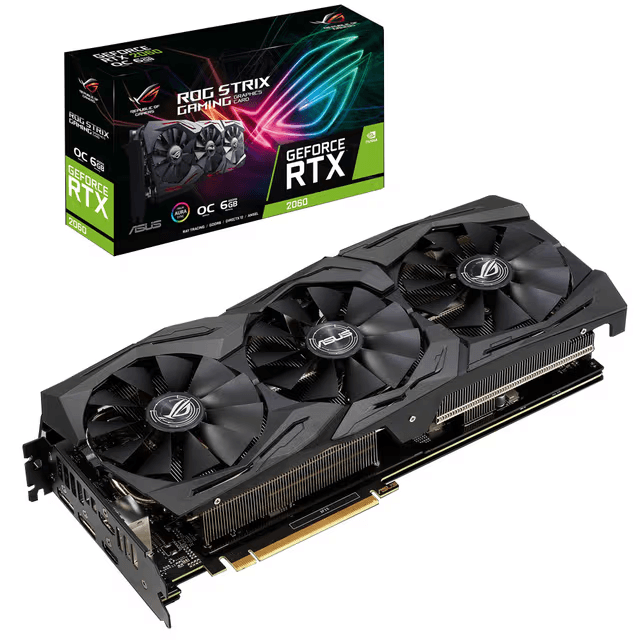
RTX 2060
The RTX 2060 is another card that is much easier to recommend to somebody who already owns one than to somebody shopping for one today. The original model launched with 6GB of GDDR6, although NVIDIA later released a 12GB variant. Both gave buyers access to first-generation ray-tracing hardware and DLSS, which helped make the RTX 2060 considerably more future-facing than the GTX cards being sold around the same period.
In 2026, the biggest issue with the common 6GB model is obvious. Six gigabytes is not much room for newer AAA games at high texture settings, particularly once you move beyond 1080p. The raw GPU itself can still handle plenty of games, and esports titles such as Counter-Strike 2, Valorant, Fortnite and similar games are not suddenly going to make an RTX 2060 useless. But I would view it as a 1080p card with realistic settings, rather than trying to force modern Ultra presets onto hardware from 2019.
This is exactly the kind of GPU that can make a cheap used gaming PC surprisingly good. If I saw a complete second-hand system with an RTX 2060 for a reasonable amount of money, I would be far more interested than if someone tried to sell me the GPU alone at an inflated price. The card itself is still useful; the question is whether the price acknowledges how old it is.
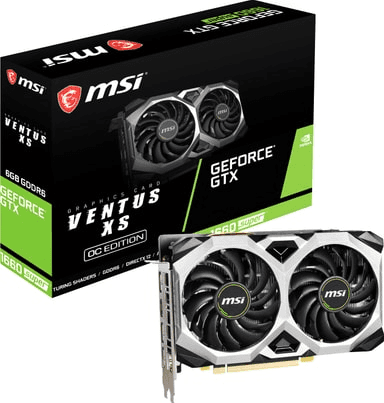
GTX 1660 SUPER
The GTX 1660 SUPER occupies an interesting place because it skips almost everything people associate with modern NVIDIA GPUs. It has no RT cores, no Tensor cores and therefore none of the hardware-assisted DLSS or ray-tracing capabilities of an RTX card. What you get instead is a straightforward Turing-based GPU with 1,408 CUDA cores and 6GB of GDDR6.
That sounds ancient in 2026, but there is still one type of PC where I think the 1660 SUPER makes sense: an extremely cheap 1080p gaming machine. For competitive games, older AAA titles and less demanding releases, it still has enough performance to be useful. Six gigabytes of VRAM is limiting, but at least the SUPER version uses much faster GDDR6 compared with the regular GTX 1660's original GDDR5 configuration.
What I would not do is buy one because somebody describes it as a “powerful gaming GPU” in a used-PC listing. It is budget hardware now. If the entire PC is inexpensive, fine. If the seller wants modern gaming-PC money because the case has RGB fans and a GTX 1660 SUPER inside, walk away.
Check the GTX 1660 SUPER on Amazon
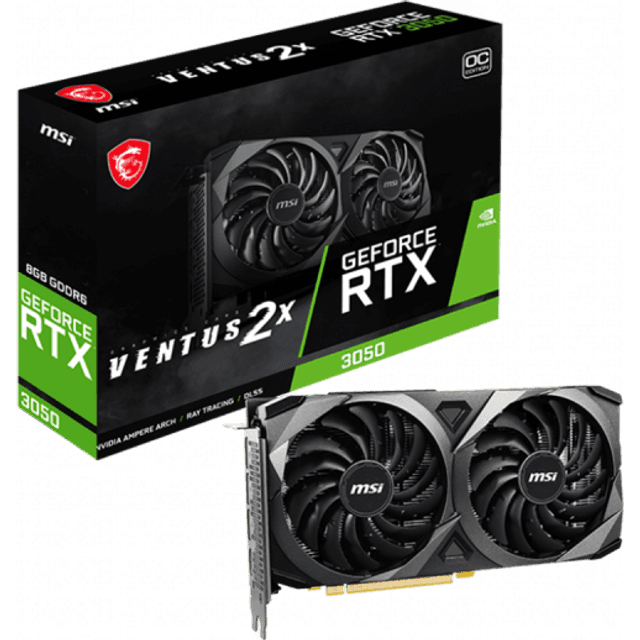
RTX 3050 8GB
The RTX 3050 8GB barely makes C Tier for me, and the reason is not that it cannot play games. NVIDIA gave the original desktop RTX 3050 2,560 CUDA cores and 8GB of GDDR6 on a 128-bit interface, along with second-generation RT cores and third-generation Tensor cores. That means you still get DLSS, Reflex and the broader RTX feature set rather than being stuck with a GTX-era card.
The problem is simply performance for the money. Tom’s Hardware's 2026 hierarchy averages only 44.6 FPS at 1080p Ultra for the RTX 3050, while the RTX 3060 12GB manages 61.5 FPS and the newer RTX 5050 reaches 69.3 FPS. The gap is large enough that I would be very careful about buying a 3050 new unless it is dramatically cheaper than the alternatives.
For a used card, a cheap prebuilt or someone mainly playing lightweight esports titles, the 3050 is still workable. Having 8GB is also preferable to the cut-down 6GB RTX 3050, which NVIDIA lists with fewer CUDA cores, a 96-bit interface and lower clocks. But in a fresh 2026 gaming build, I would try very hard to move up to an RTX 3060, RTX 4060 or RTX 5050 before settling here.
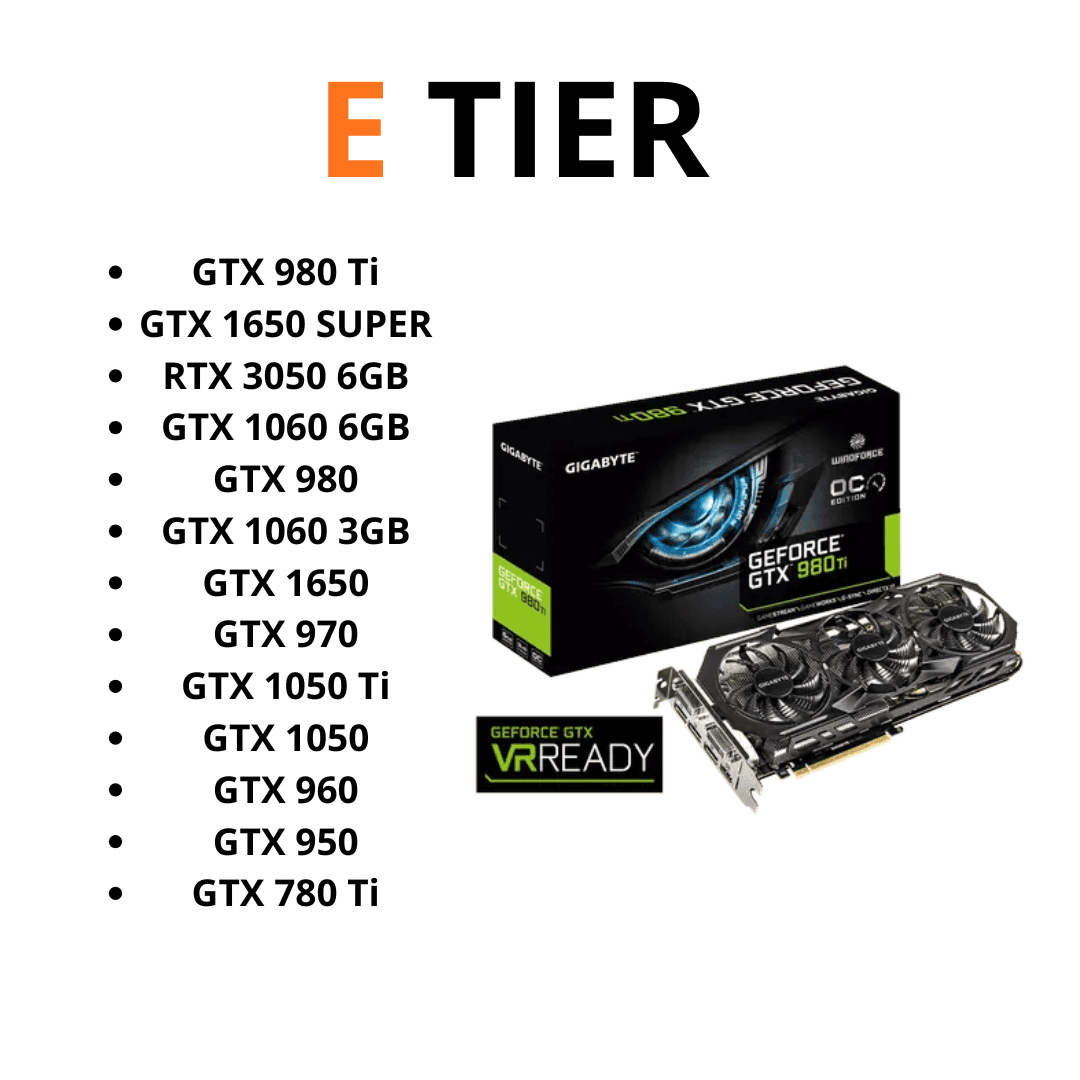
E tier
E Tier is where I stop thinking of these cards as normal recommendations and start thinking of them as “only buy this if the price is extremely low.” There are still situations where these GPUs make sense. A $150 office PC with a GTX 1650 can be a fun little esports machine, and an old GTX 1060 handed down from a friend can still run a surprising number of games. What I would not do is deliberately spend several hundred dollars building around one of these cards in 2026.
There is another reason I am much harsher on the GTX 10 Series now than I would have been a year ago: NVIDIA ended Game Ready Driver support for Maxwell, Pascal and Volta after October 2025. Those GPUs are still receiving quarterly security updates through October 2028, but they no longer get the regular game-specific optimizations, feature additions and bug fixes that newer GeForce cards receive. That does not mean your GTX 1060 suddenly stopped working on November 1, but it makes buying one today considerably less attractive.
GTX 1650
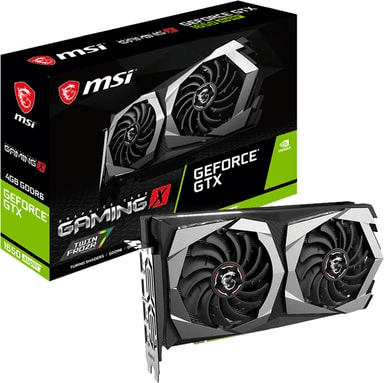
The GTX 1650 is probably the easiest E Tier card to imagine someone still using. It was never designed to be powerful; its appeal was that it could provide a meaningful graphics upgrade while drawing only around 75W, and many versions did not even require an additional PCIe power connector. That made it perfect for upgrading basic office desktops where installing a large power supply and a much more demanding GPU simply was not practical.
That use case still exists. If you have an old Dell, HP or Lenovo desktop with a weak power supply and you find a low-profile GTX 1650 cheaply, it can turn that machine into something capable of playing Minecraft, Valorant, Fortnite, Rocket League and plenty of older PC games. The problem is that you are working with only 4GB of VRAM and relatively weak raw performance. Tom’s Hardware's legacy hierarchy puts the original GTX 1650 around 51 FPS at its old 1080p Medium test setting and roughly 27 FPS at 1080p Ultra, although those numbers come from an older test suite and should not be compared directly with its current 2026 results.
Even the faster GTX 1650 SUPER now requires significant compromises in modern games. Tom’s Hardware tested the SUPER again in 2026 and found that 4GB cards can still manage esports and even some demanding titles at 1080p, but settings and upscaling have to be chosen carefully. The normal GTX 1650 is slower than that card, so I would be even more conservative with my expectations.
That is why I would never seek out a GTX 1650 for a new gaming build. If it comes inside a ridiculously cheap used computer or solves a very specific low-power upgrade problem, fine. Otherwise, the gap between this and even an RTX 3050, 5050 or cheap used RTX card is large enough that I would save a little longer.
GTX 1060 6GB
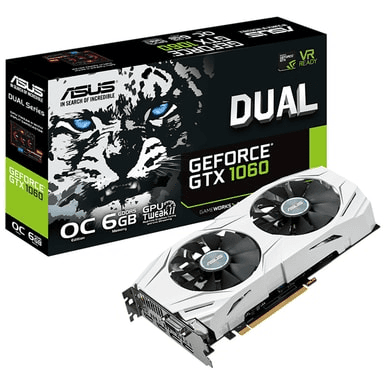
There was a period where it felt like every second gaming PC had a GTX 1060 inside it, and there was a good reason for that. The 6GB version became one of the defining midrange GPUs of the Pascal generation because it offered strong 1080p gaming performance without demanding flagship money. Even ten years after Pascal first appeared, the GTX 1060 remains one of the cards people most strongly associate with that architecture.
The 6GB version is also considerably easier to live with today than the 3GB model. Tom’s Hardware's legacy hierarchy places the GTX 1060 6GB above the GTX 1650 and GTX 1050 Ti, and its old 2022–2024 test suite averaged roughly 57.7 FPS at 1080p Medium and 32.1 FPS at 1080p Ultra. Again, that is older benchmark data rather than a direct representation of every 2026 game, but it explains why these cards can still feel surprisingly usable in less demanding titles.
The biggest problem is not really that the GTX 1060 suddenly became incapable of rendering games. It is everything that has happened around it. There is no hardware ray tracing, no Tensor hardware for DLSS, no Frame Generation, only 6GB of memory and, as of late 2025, no more Game Ready Driver updates. NVIDIA is still issuing security updates for Pascal, but new games are no longer receiving the same driver-level attention on these GPUs.
If someone gave me a GTX 1060 6GB today, I would absolutely use it. If I saw one for $50 in good condition and needed an extremely cheap GPU for a secondary PC, I could understand buying it. But those are very different situations from recommending it for a fresh gaming build. The GTX 1060 had an incredible run; in 2026, I think it has finally reached the point where its price needs to be close to impulse-buy territory.
Check the GTX 1060 6GB on Amazon
GTX 1050 Ti
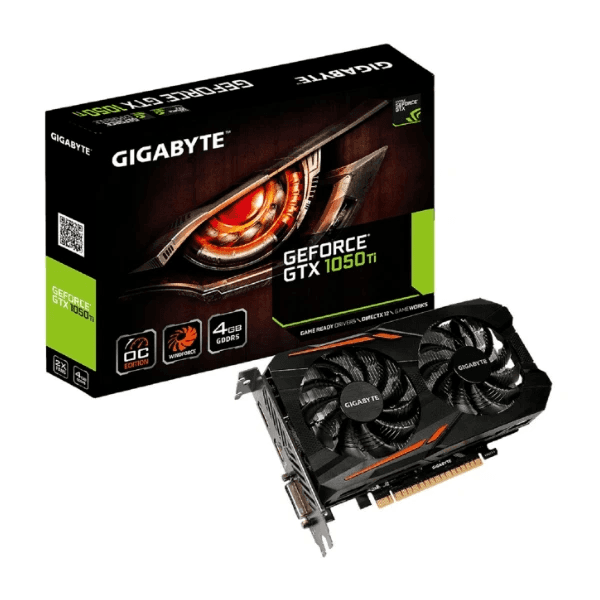
The GTX 1050 Ti may be one of the most overused graphics cards in second-hand “gaming PC” listings. That is not because it was a terrible product. When it launched, the combination of low power consumption, 4GB of VRAM and the ability to run without an external power connector made it incredibly convenient. The problem is that some sellers still talk about it as though nothing has changed since 2016.
A lot has changed.
Tom’s Hardware's legacy testing places the GTX 1050 Ti around 38 FPS at 1080p Medium and under 20 FPS at 1080p Ultra in its old test suite. Those benchmarks are not based on the newest games, either, so they illustrate just how modest the card's performance already was compared with today's GPUs.
You can absolutely still play things on it. League of Legends, Minecraft, Valorant, older GTA titles, indie games and plenty of lighter PC games do not require an RTX 5090. If your idea of gaming is mostly titles like those, an existing GTX 1050 Ti can keep doing its job. But once you begin asking it to run recent AAA releases, 4GB of VRAM and decade-old Pascal performance become major restrictions.
And like the GTX 1060, it has now moved out of NVIDIA's Game Ready Driver program. Security updates continue, but I would not intentionally build a modern gaming system around a GPU that has already reached that stage of its support life.
The GTX 1050 Ti only makes sense to me in 2026 when the alternative is essentially no dedicated GPU at all. If you are spending enough that you could save toward an RTX 3050, used RTX 2060, RX 6600 or something newer, do that instead.
Check the GTX 1050 Ti on Amazon
F Tier
F Tier is slightly different from the rest of this ranking because I do not think there is much value in writing a full section about every GTX 960, GTX 950, GTX 750 Ti, GTX 760 or GTX 650 ever released. These cards mattered in their time, but this article is supposed to help someone choose a gaming GPU in 2026, not document the entire history of GeForce.
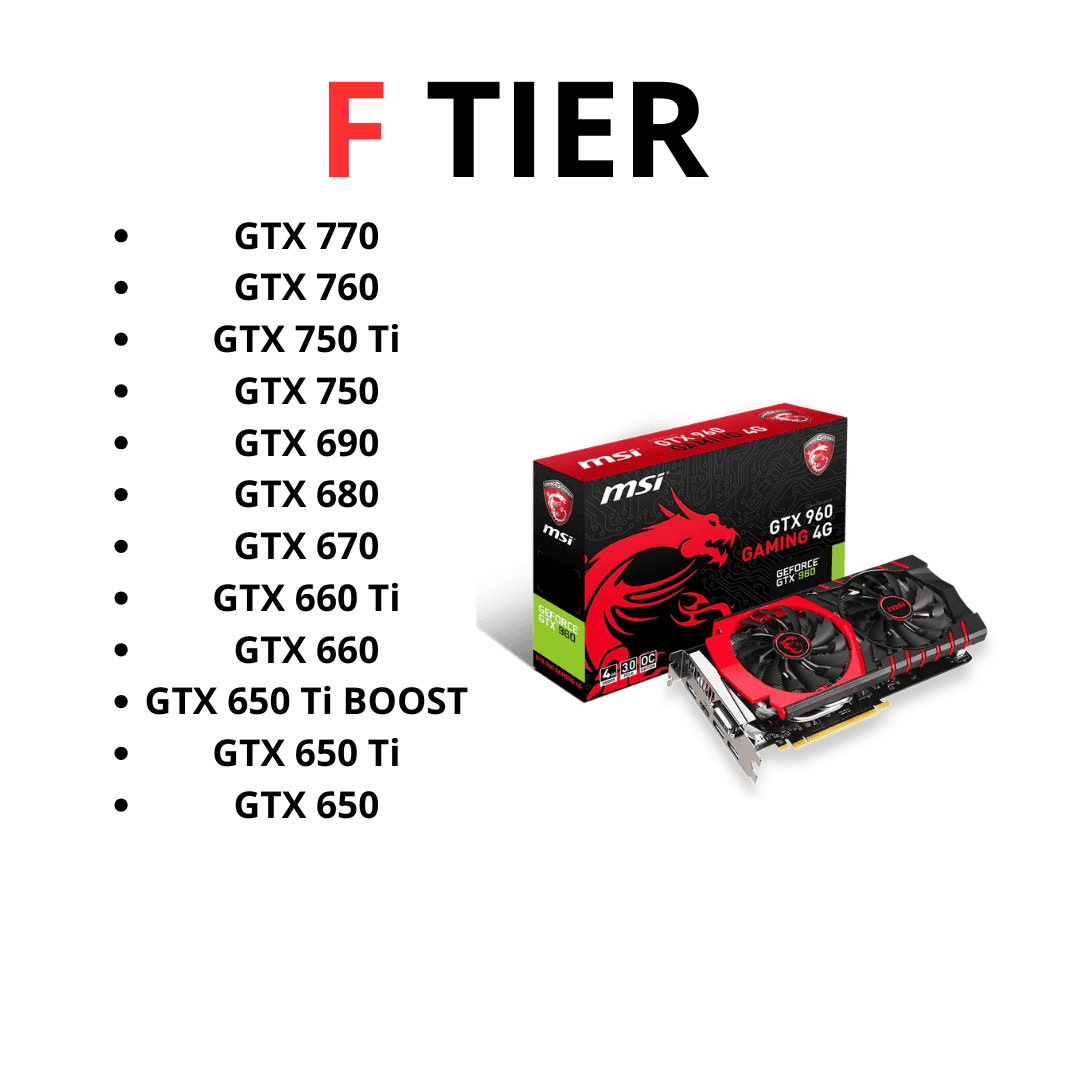
Some of those cards were fantastic products. The GTX 750 Ti in particular deserves credit for how much gaming performance it managed on very little power, while the GTX 780 Ti and GTX 690 were genuinely premium hardware in their day. But none of that makes them sensible purchases for a modern gaming system.
The GTX 900 Series uses Maxwell, while the GTX 700 Series stretches across Maxwell and older Kepler designs. NVIDIA's current driver pages explicitly list Maxwell GPUs such as the GTX 980 Ti, GTX 980, GTX 970, GTX 960 and GTX 950 as receiving security-only drivers rather than Game Ready support. Older Kepler desktop cards reached the end of even their extended security-update period earlier.
The bigger concern is compatibility rather than simply average FPS. As graphics APIs, game engines and feature requirements move forward, very old cards increasingly encounter games that either perform horribly or do not work correctly at all. They also lack DLSS, hardware ray tracing and modern video capabilities, while some consume a surprising amount of power for the performance they provide.
If you already own one and it runs the games you play, there is no rule saying you have to throw it away. Older hardware can be great for retro PCs, emulation machines, simple esports systems or experimenting with Linux. But if someone is advertising a GTX 960 or GTX 750 Ti machine as a “high-end gaming PC” in 2026, the RGB lights on the case should not convince you otherwise.
For an actual gaming purchase, this entire group is F Tier.
One Important Thing About Older NVIDIA GPUs
After ranking all of these older cards, there is one distinction I think is worth making: owning an old GPU and buying an old GPU are not the same thing.
If you already have a GTX 1060 and it still runs every game you care about, keeping it costs you nothing. You might get another year or two from it before you personally encounter a reason to upgrade. The same applies to a GTX 1080 Ti, and that card's surprisingly good longevity is exactly why it still gets discussed nearly a decade after release. Tom’s Hardware's 2026 retest found that the 1080 Ti can still provide playable 1080p performance in a number of modern games, despite falling far behind modern GPUs in features and efficiency.
Buying one today is a different calculation. You are spending money on hardware with no current Game Ready Driver support, no warranty in most used purchases, potentially years of wear and none of the AI-assisted rendering features NVIDIA has built its modern gaming platform around.
That does not mean every old card belongs in the trash. It means the price needs to be brutally low before the disadvantages become worth accepting.
And that is really the logic behind E and F Tier.
A $40 GTX 1060 can be fun.
A $300 GTX 1060 is ridiculous.
Which NVIDIA GPU Should You Buy in 2026?
After going through all of these cards, the biggest takeaway is that there is no single NVIDIA GPU that makes sense for everyone. The right choice changes dramatically depending on whether you are gaming at 1080p, 1440p or 4K, how much you care about ray tracing, and how much you are willing to spend.
For most people building a strong gaming PC, I would spend far more time looking at the middle of the lineup than the flagships. The RTX 5090 is incredible, but it is also unnecessary for the overwhelming majority of gamers. You can spend a fraction of the money on something like an RTX 5070 Ti, RTX 5070, RTX 4070 SUPER or RTX 5060 Ti 16GB and still end up with a system that feels extremely fast.
At the cheaper end, I would prioritize getting enough VRAM and avoiding cards that are simply too old. An inexpensive RTX 3060 12GB can still make sense, especially used, while the RTX 5060 gives you much newer features and better efficiency. I would be much more cautious about spending significant money on GTX cards now that Pascal and Maxwell have left NVIDIA's regular Game Ready Driver program.
The most important thing is to stop thinking about GPUs as permanent recommendations. A graphics card can move from a great purchase to a terrible one just because its price changes. If an RTX 5070 Ti suddenly costs hundreds more than an RTX 4070 Ti SUPER, the older card becomes much more attractive. If the price difference is small, I would take the newer architecture.
That is why I would use this tier list as a starting point and then compare the actual prices available when you are ready to buy.
Best NVIDIA GPU for 1080p Gaming
For 1080p gaming, you really do not need to spend flagship money.
The RTX 5060 is probably the point where I would start for a new mainstream system if the price is reasonable. It has plenty of performance for competitive games, access to NVIDIA's newest DLSS features and significantly lower power requirements than many older high-end cards.
If you want more breathing room, the RTX 5060 Ti 16GB is a much more comfortable long-term option. Sixteen gigabytes of VRAM is arguably overkill for plenty of current 1080p games, but that is not a bad problem to have if you intend to keep the GPU for years.
For a cheaper used build, I would also look at cards like the RTX 3060 12GB and RTX 3060 Ti. They lack the latest features, but both can still provide very good 1080p gaming performance when bought cheaply enough.
I would not buy an RTX 5090, 5080 or even a 5070 Ti specifically for normal 1080p gaming unless you are chasing extremely high refresh rates. You are paying for performance that your resolution may never properly use.
Best NVIDIA GPU for 1440p Gaming
This is probably the most interesting resolution for NVIDIA GPUs right now.
The RTX 5070 Ti is my favorite high-end option from this entire list for 1440p. It has 16GB of VRAM, plenty of native performance and access to Blackwell's newest features without immediately entering RTX 5080 or 5090 pricing.
The RTX 5070 is another strong choice if the price difference to the Ti is substantial. Its 12GB of memory is less comfortable long-term, but the card still has more than enough performance for a very good 1440p system.
If you find one discounted, I would also pay close attention to the RTX 4070 SUPER. It remains extremely capable at this resolution and is exactly the kind of previous-generation card that can become a bargain once retailers start trying to clear old inventory.
Further down the budget, the RTX 5060 Ti 16GB is probably where I would start for someone who wants 1440p but does not need to max out every setting in every game.
Best NVIDIA GPU for 4K Gaming
This is where the expensive cards finally begin making sense.
The RTX 5090 is obviously the fastest option if money is irrelevant, but I would struggle to recommend paying current extreme pricing purely for gaming.
The RTX 5080 makes much more sense for a serious 4K system. You still get 16GB of GDDR7, excellent ray-tracing performance and plenty of native speed without reaching quite the same level of insanity as the flagship.
I would also strongly consider the RTX 5070 Ti. You may have to use DLSS or reduce a few settings in the heaviest games, but it can provide an excellent 4K experience while costing dramatically less than the cards above it.
And if you already own an RTX 4090, I would probably just keep it. It remains one of the fastest gaming GPUs available and upgrading purely because there is now a newer generation feels difficult to justify.
Frequently Asked Questions
What is the best NVIDIA GPU in 2026?
If we are talking purely about gaming performance, the RTX 5090 is NVIDIA's fastest consumer graphics card.
That does not mean it is the GPU I would recommend to most people. The price is enormous, and the performance advantage becomes increasingly difficult to justify unless you are playing at 4K with very demanding settings and a high-refresh display.
For a more balanced high-end gaming system, I think the RTX 5070 Ti is considerably more interesting.
What is the best value NVIDIA GPU in 2026?
There is no permanent answer because GPU pricing changes too frequently, but the cards I would watch most closely are the RTX 5060 Ti 16GB, RTX 5070, RTX 5070 Ti and RTX 4070 SUPER.
The 5060 Ti 16GB is particularly appealing if you want a modern card with plenty of VRAM without entering premium pricing. The 4070 SUPER becomes interesting when heavily discounted, while the 5070 and 5070 Ti offer stronger performance and newer Blackwell features.
Used RTX 30 Series cards can also offer excellent value, but I would want a significant discount before choosing one over a new GPU with a warranty.
Is 8GB of VRAM enough for gaming in 2026?
Yes, but I would describe 8GB as enough rather than ideal.
For 1080p gaming, an 8GB card can still run a huge number of games perfectly well. Problems become more likely when you start combining higher resolutions, ultra-resolution textures and demanding ray-tracing settings.
If I were buying a card today and planning to keep it for several years, I would strongly prefer 12GB or 16GB when the budget allows.
That is one of the reasons I prefer the RTX 5060 Ti 16GB over its 8GB version.
Is the RTX 3060 still good in 2026?
Yes, particularly the 12GB model.
It is no longer a fast GPU by modern standards, but it remains very usable for 1080p gaming. The 12GB memory capacity has also aged considerably better than some 8GB cards from the same general period.
The important part is price. I would not pay close to RTX 5060 money for an RTX 3060, but a cheap used example can still make an excellent budget gaming card.
Is the RTX 3080 still worth it?
If you already own one, absolutely.
The RTX 3080 remains strong enough for excellent 1440p gaming and can still handle 4K with reasonable settings. There is no reason to replace one simply because newer cards exist.
Buying one is more complicated. Most RTX 3080s on the used market are several years old, many models have only 10GB of VRAM, and power consumption is considerably higher than newer cards.
At the right used price, though, it can still offer a lot of performance for the money.
Is the GTX 1080 Ti still good for gaming?
Surprisingly, yes—but with a lot of caveats.
Its 11GB of VRAM helped it age extremely well, and it can still run plenty of games at 1080p. The problem is that the GPU lacks modern features such as DLSS, hardware ray tracing and Frame Generation, while power consumption is high compared with newer cards offering similar performance.
I would happily continue using one if I already owned it.
I would only buy one today if it were extremely cheap.
Should I buy an RTX 40 Series or RTX 50 Series GPU?
If the prices are close, I would usually take the RTX 50 Series card.
You get newer Blackwell architecture, newer Tensor and ray-tracing hardware, DLSS 4 features and better long-term relevance.
The RTX 40 Series becomes more interesting when discounted. A cheap RTX 4070 SUPER or RTX 4080 SUPER can still be a much better purchase than paying heavily inflated pricing for their RTX 50 equivalents.
Never compare the generations without comparing the actual prices.
Is an RTX 5090 worth it for gaming?
For almost everyone, no.
That does not mean the RTX 5090 is bad. It is the opposite: it is ridiculously powerful. The problem is that you reach a point where spending thousands more produces relatively small improvements to the actual experience of sitting at your desk and playing a game.
If you own a 4K high-refresh display, want maximum ray tracing and simply want the fastest GPU regardless of cost, the RTX 5090 makes sense.
For everyone else, I would spend the money elsewhere in the PC—or simply keep it.
Should I buy a used NVIDIA GPU?
Used GPUs can still be one of the best ways to build a gaming PC on a budget.
Cards such as the RTX 3060 Ti, RTX 3070, RTX 3080 and even RTX 3090 can offer impressive performance for much less than they originally cost. I would just make sure the discount is large enough to compensate for the lack of a full new-product warranty and the fact that the card may already have years of use behind it.
Ask the seller whether the GPU has been mined on, check temperatures if possible, look for unusual fan noise and test the card under load before buying locally.
I would rather buy a good used RTX 3080 at a genuinely low price than spend more money on a substantially weaker brand-new GPU just because the box is sealed.
Final Thoughts: Which NVIDIA GPUs Are Actually Worth the Cart?
The biggest mistake you can make when buying a graphics card is assuming that newer automatically means better value.
It does not.
The RTX 5090 is the fastest GPU in this list, but I would not call it the smartest purchase for most gamers. The RTX 4090 is older but still absurdly powerful. The RTX 4070 SUPER can remain competitive if you find one discounted, while something as old as an RTX 3060 12GB can still make sense for a cheap 1080p build.
If I were choosing from the entire NVIDIA lineup in 2026, the cards I would pay the most attention to are the RTX 5060 Ti 16GB for a more affordable build, the RTX 5070 for strong 1440p gaming, and the RTX 5070 Ti for someone who wants high-end performance without immediately jumping into flagship pricing.
But I would not buy any of them without checking the price first.
That is really the point of this whole tier list. There is no GPU model number that automatically makes something worth buying. Performance matters, VRAM matters, features matter—and price can override almost everything else.
A GTX 1080 Ti for almost nothing can still be fun. An overpriced RTX 5090 can still be a bad deal.
The best GPU is not always the fastest one. It is the one that gives you the gaming experience you actually need without making you pay for performance you will never use.
And that is what makes it Worth The Cart.
Popular Posts
tech Reviews
GOverlay Plus 7.8-Inch Review: The Little Screen That Brought My Gaming Setup Together
Tech Reviews
UNIHIKER K10 Review: The $28.90 AI Board That Can Become Almost Anything
Gaming
What We Know About the Guy Behind the GTA 6 Leak: CyberLeek
Home Servers
ZimaBlade Review: Is This Tiny Home Server Worth It?
Keep reading


