Digital Tools
·
1 products compared
Last updated
9.8
⭐ Best Value Pick
NordVPN
NordVPN Review
Affiliate disclosure: WorthTheCart may earn a commission from qualifying purchases. This does not affect our editorial opinions, rankings, or recommendations.


Most online security tools sound boring until you actually need them. You do not usually think about your internet connection when everything feels normal. You open your laptop, connect to Wi-Fi, check your email, log in to accounts, scroll, work, shop, stream, book flights, send messages, and move on with your day. It all feels automatic.
But the moment you connect to airport Wi-Fi, hotel Wi-Fi, café Wi-Fi, school Wi-Fi, or some random public network while traveling, the question becomes more real: how much of your online activity is actually protected?
That is where NordVPN becomes useful.
A VPN is not only for tech people. It is not only for businesses. It is not only for people who know every cybersecurity term. A good VPN is one of those simple digital tools that can quietly protect your everyday browsing, especially when you are not on a network you fully trust.
I use NordVPN myself because it is easy to turn on, simple to understand, and useful in normal situations. I do not want something that feels like a technical project every time I open my laptop. I want something that works in the background and makes my internet connection feel safer, especially when I am traveling, using public Wi-Fi, or managing accounts from different places.
For this WorthTheCart review, I am looking at NordVPN as a real everyday product. Not as a magic button. Not as a tool that replaces all online safety habits. But as a practical privacy and security app that can make a meaningful difference for people who use the internet every day.
WorthTheCart Rating: 9.8/10
What Is NordVPN?
NordVPN is a virtual private network service, most commonly known as a VPN. The basic idea is simple: when you connect to a VPN, your internet traffic is sent through an encrypted connection to a secure VPN server before it reaches the websites or services you use.
NordVPN explains that a VPN creates a secure encrypted connection between your device and a remote server, helping your data travel more privately instead of going directly through a regular, exposed connection. It also helps hide your real IP address from the websites you visit.
That may sound technical, but the real-life version is easier to understand.
Imagine you are using public Wi-Fi at an airport. Without a VPN, your device is connected through a network you do not control. With a VPN turned on, your traffic is wrapped in encryption before it moves through that network. That does not mean you can stop caring about passwords, scams, fake websites, or account security, but it does add an important layer of protection.
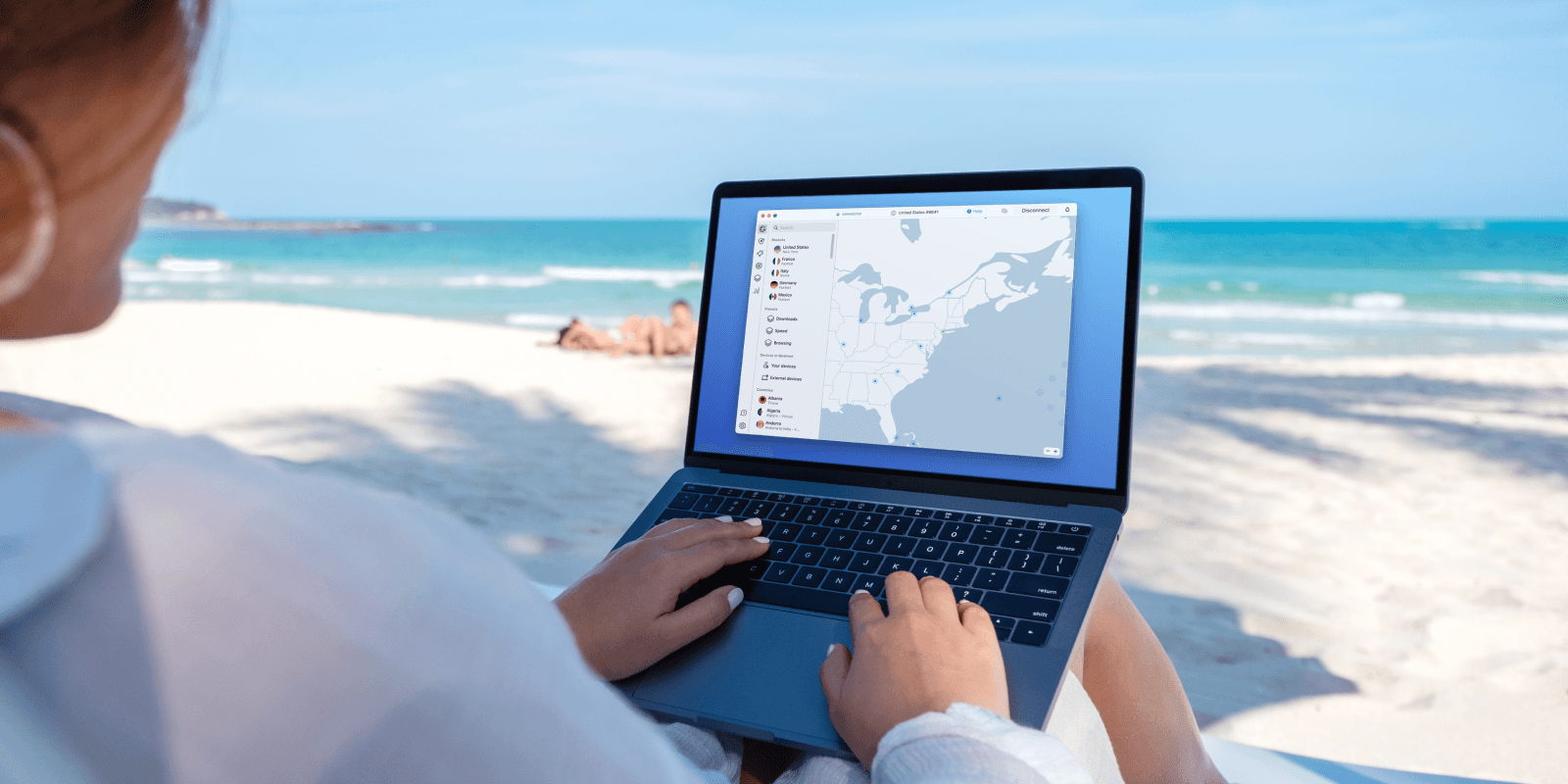
This is why VPNs are especially useful for travelers. When you are away from home, you often use networks you would not normally trust. Hotels, cafés, airports, train stations, libraries, and shared workspaces all make internet access easy, but they also create situations where privacy matters more.
How a VPN Works in Normal Words
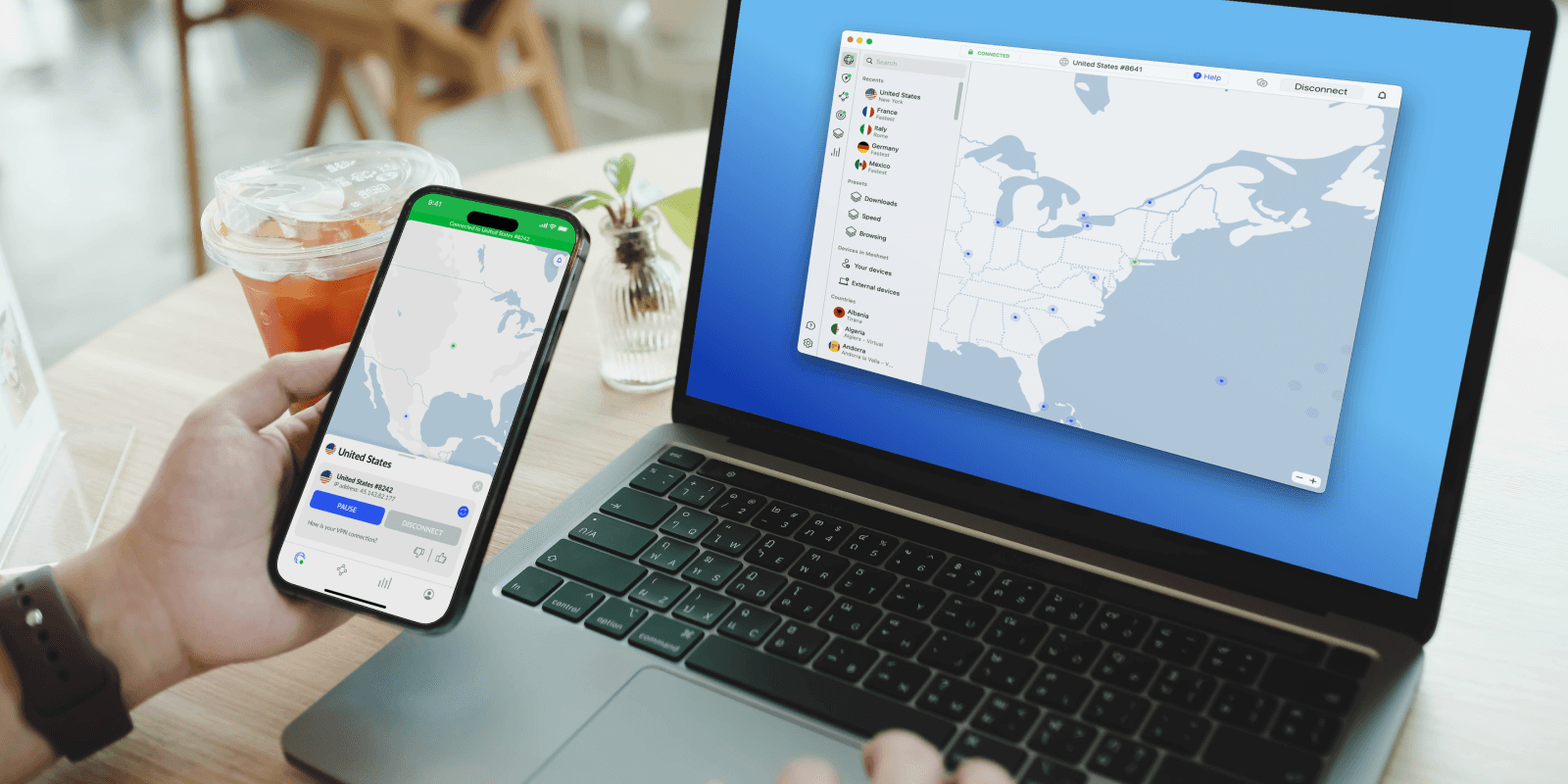
A VPN works like a secure tunnel between your device and the internet.
When you open a website without a VPN, your internet request travels through your internet provider or the network you are connected to, then reaches the website. That is normal, but it can expose more information than many people realize, especially on public Wi-Fi.
When you use NordVPN, your traffic goes through an encrypted tunnel first. The VPN server becomes the middle point between you and the wider internet. The websites you visit see the VPN server’s IP address instead of your direct one, while your connection is protected by encryption.
This matters because a lot of online life is sensitive now. You might be checking email, logging into your bank, managing work accounts, using cloud storage, checking hotel bookings, opening travel documents, buying something online, or using private messages. Even if you are not doing anything unusual, your everyday internet use contains a lot of personal information.
A VPN is not the only layer you need, but it is one of the easiest layers to add.
The reason NordVPN stands out is that it makes this process feel simple. You do not need to manually configure servers or understand protocols just to use it. You open the app, choose a location or quick connect, and the app handles the connection.
That simplicity is a big part of why I rate it so highly. Security tools only help if people actually use them. If a tool is annoying, confusing, or slow, most people will turn it off. NordVPN feels practical enough to leave in your regular routine.
Why NordVPN Is Useful for Travelers
Travel is one of the clearest reasons to use NordVPN.
When you are at home, you probably know your internet setup. You trust your own Wi-Fi more than a random network at a hotel or airport. When you travel, that changes. You connect wherever you can: hotel rooms, airport lounges, cafés, public transport, rental apartments, coworking spaces, and sometimes open networks with no password at all.
That is exactly when a VPN becomes more than a privacy idea. It becomes a practical travel tool.
If you are checking your email from another country, opening bank apps, logging into work tools, or managing travel documents, it makes sense to protect the connection. You may only be online for a few minutes, but those few minutes can still include sensitive data.
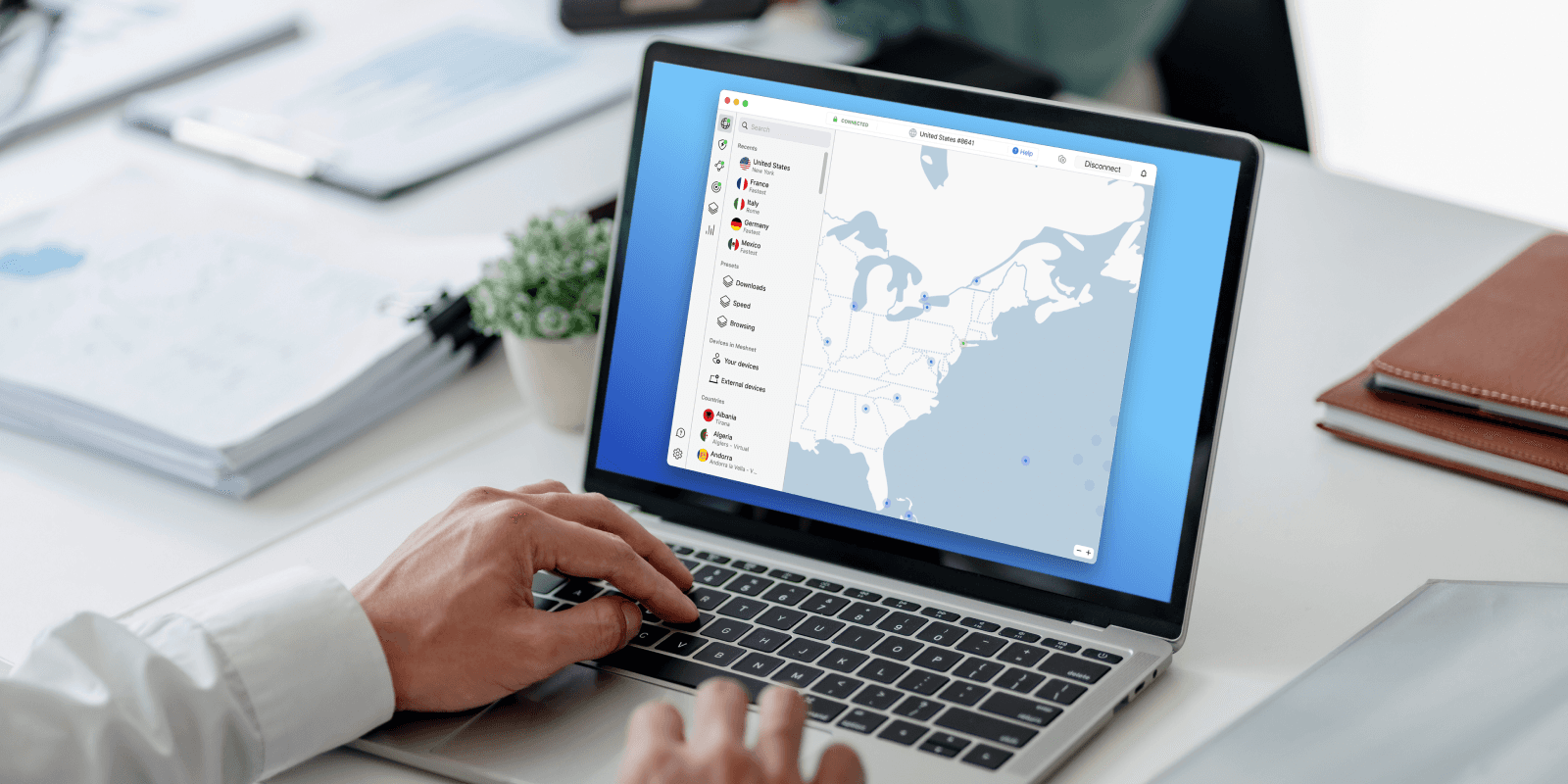
There is another travel benefit too: NordVPN can help travelers securely access the services they already subscribe to back home. This is important to say correctly. The point is not to promote accessing things illegally or using services you do not have rights to. The point is that when you travel, you may still want a safer way to use your own accounts, subscriptions, banking services, work platforms, news services, and everyday tools from home.
That is one of the most realistic reasons I like it. Travel already makes everything a little more complicated. Your network changes. Your device location changes. Your login activity looks different. You are often using weaker or shared Wi-Fi. A VPN helps make that experience feel more controlled.
It is especially useful if you travel with multiple devices. NordVPN officially supports up to 10 simultaneous device connections on one account, which means you can protect a laptop, phone, tablet, and other devices under the same subscription.
That matters because most people do not use just one device anymore. You might book a trip on your laptop, scan boarding passes on your phone, watch something on your tablet, and answer messages on another device. A VPN that only protected one device would feel limited. NordVPN feels more realistic for how people actually use the internet.
Public Wi-Fi Is the Main Everyday Reason to Use NordVPN
Public Wi-Fi is convenient, but it is also one of the easiest places to forget about security.
Most people do not think twice before connecting to free Wi-Fi. If the network name looks right and the connection works, that is usually enough. But public networks are not like your home network. You do not know who set them up, who else is connected, how secure they are, or whether the network is being monitored.
That does not mean every public network is dangerous. It means you should treat public Wi-Fi as a place where extra protection makes sense.
This is where NordVPN becomes one of those tools that is easy to justify. You do not need to be doing anything dramatic online. Even normal activity can be worth protecting: email, shopping, school portals, cloud files, maps, hotel bookings, calendar apps, and payment pages.
The best part is that using NordVPN does not require changing your whole routine. You can connect before you start browsing, then use the internet normally. That is why it feels like a good “everyday security” product instead of a complicated cybersecurity habit.
A product earns a high WorthTheCart score when it solves a real problem without asking too much from the user. This is one of NordVPN’s biggest strengths.
Privacy Without Making Everything Complicated
Privacy online is difficult because most people do not have time to manage every little detail.
You can install privacy-focused browsers, change DNS settings, block trackers, adjust cookies, manage app permissions, check every site setting, and use different tools for different situations. Some people enjoy that. Most people do not.
NordVPN is valuable because it gives normal users a simpler starting point. It protects your connection, hides your IP address from websites, and adds security features without requiring you to become an expert.
NordVPN also says it does not log users’ online activity. Its support documentation states that NordVPN does not log online activity and only keeps limited account-related information such as encrypted login credentials and billing information for refund procedures.
That no-logs position matters because privacy tools require trust. A VPN provider handles sensitive internet traffic, so the question is not only “does the app work?” The question is also “what does the company do with user data?” NordVPN has also announced multiple independent no-logs assurance engagements, including a sixth one in 2026.
That does not mean you should stop thinking critically. No privacy tool deserves blind trust. But independent checks are a meaningful signal, and they are part of the reason NordVPN feels more credible than a random free VPN app.
The Extra Security Features Make NordVPN More Useful
A basic VPN connection is already useful, but NordVPN becomes more interesting because it includes extra protection features beyond the encrypted connection itself.
NordVPN’s scam, phishing, and malware protection can automatically block ads, trackers, and malicious URLs, warn users about fraudulent or scam websites, scan downloads for malware, check installed apps for security vulnerabilities, and let users manage quarantined files, according to NordVPN’s support documentation.
That is a major benefit because real online risk does not only come from someone watching your Wi-Fi. It can also come from fake websites, phishing links, scam pages, malicious downloads, and trackers following you around the web.
This is one of the reasons I think NordVPN is more useful than people expect. You are not only paying for a button that changes your IP address. You are paying for a broader online safety tool that can help reduce several everyday risks.
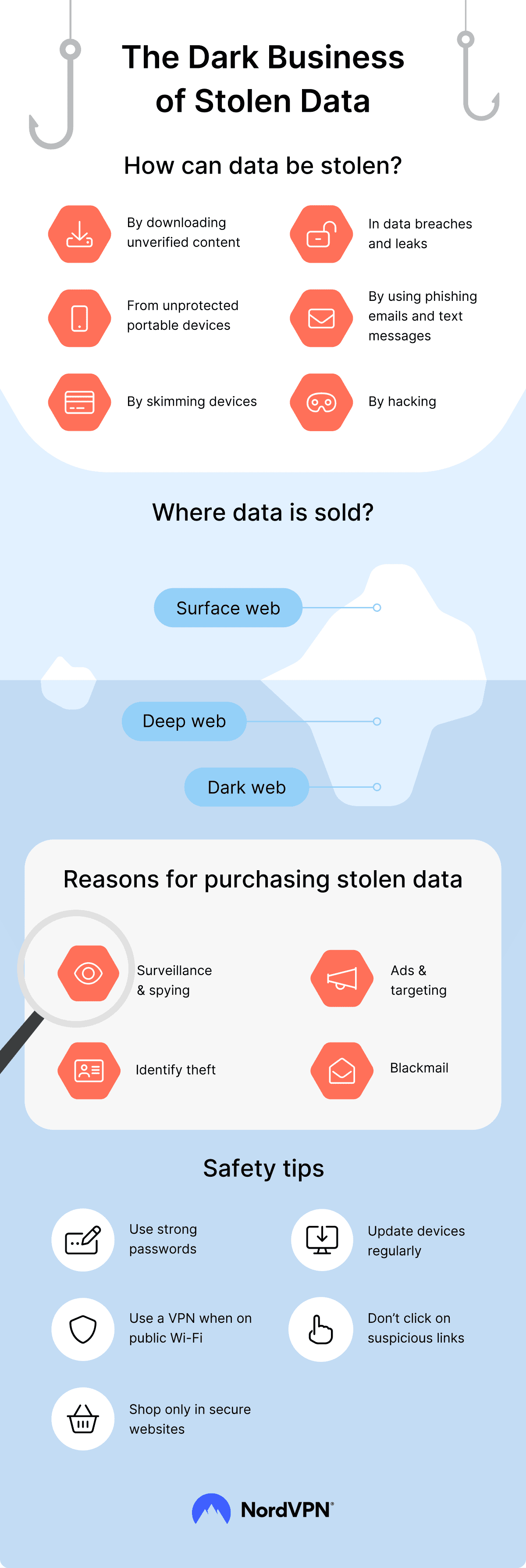
The ad and tracker blocking side is also practical. Ads are not only annoying; some can lead to sketchy pages or make browsing feel cluttered. Tracker blocking can also help reduce how much activity is followed around the web. NordVPN’s support pages describe its ad blocker as part of scam, phishing, and malware protection, designed to remove distracting ads and pop-ups.
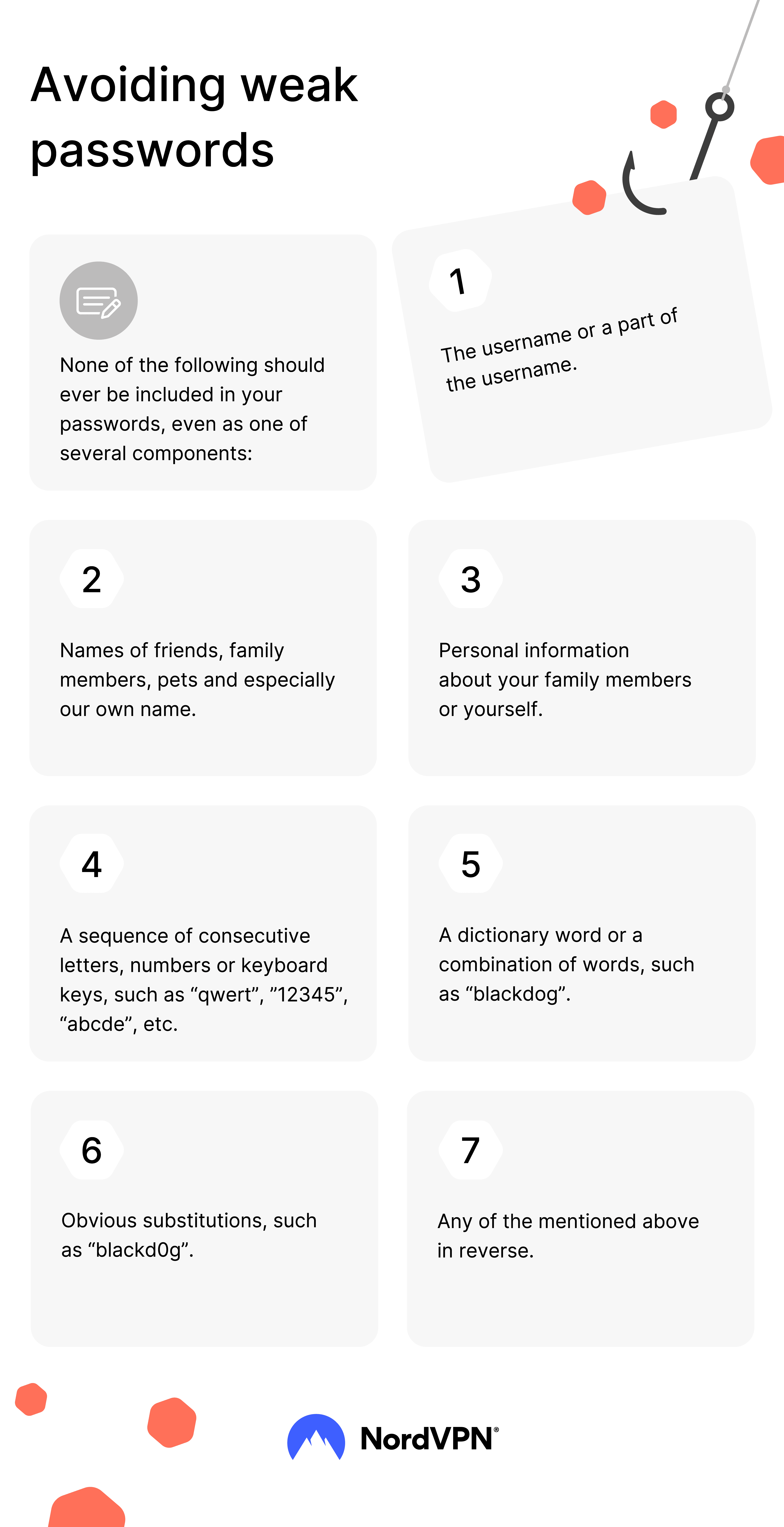
This does not mean NordVPN replaces every security tool. It does not. You should still update your devices, avoid suspicious links, use strong passwords, and turn on two-factor authentication. But the extra protection features make NordVPN feel like a stronger value than a VPN-only app.
NordVPN Is Easy Enough for Beginners
One of the best things about NordVPN is that it does not feel intimidating.
That matters more than people think. Security software often fails because it is too complicated. If someone has to read a long guide every time they want to connect, they probably will not use it consistently. A good consumer VPN should feel simple enough that you can recommend it to a friend or family member without needing to explain too much.
NordVPN gets this right. The app is built around a simple connection flow. Open the app, connect, and continue browsing. More advanced settings are there if you want them, but they do not get in the way of normal use.
That balance is important. Beginners can use it without feeling lost, while more serious users still have settings and server options to explore.
This is one reason I give NordVPN such a high score. The best digital tools are not only powerful; they are usable. NordVPN feels like something normal people can actually keep using after the first week.
Device Support and Everyday Use
A VPN is only useful if it works on the devices you actually use.
NordVPN has apps for major platforms, and NordVPN’s support documentation explains that one subscription can be used on up to 10 devices at the same time. That makes it much more practical for everyday life.
A typical person may have a phone, laptop, tablet, and maybe a desktop computer. A family or shared household may have even more. Travelers may bring multiple devices on one trip. Students may switch between school laptops, personal phones, and tablets. Remote workers may use a work laptop and personal devices in different places.
The 10-device limit makes NordVPN feel less restrictive. You do not have to constantly decide which single device deserves protection. You can cover the devices you actually use most.
This is especially useful if you use both mobile and desktop. Public Wi-Fi protection matters on phones too, not just laptops. Many people use their phone for banking, travel documents, authentication apps, email, and payments. Protecting only your computer would leave out a huge part of your online life.
Speed and Performance
One worry people often have with VPNs is speed.
That is fair. A VPN adds an extra step between your device and the internet, so performance matters. If a VPN makes everything feel slow, most people will stop using it.
In normal use, NordVPN feels like a strong option because it is designed to be fast enough for everyday browsing, work, travel, video calls, and general online activity. Performance can still vary depending on your internet connection, server location, device, protocol, distance, and network conditions. That is true for every VPN.
The practical advice is simple: choose a nearby server when you want the best speed, and use quick connect when you do not want to think about it. If you are traveling, test a couple of server locations and use the one that gives you the best balance between privacy, stability, and speed.
For most people, the goal is not to chase perfect benchmark numbers. The goal is to have a VPN that feels normal enough to leave on. NordVPN does that well.
What NordVPN Can Be Used For
NordVPN can be used in a lot of everyday situations, but the value is easiest to understand through normal life examples.
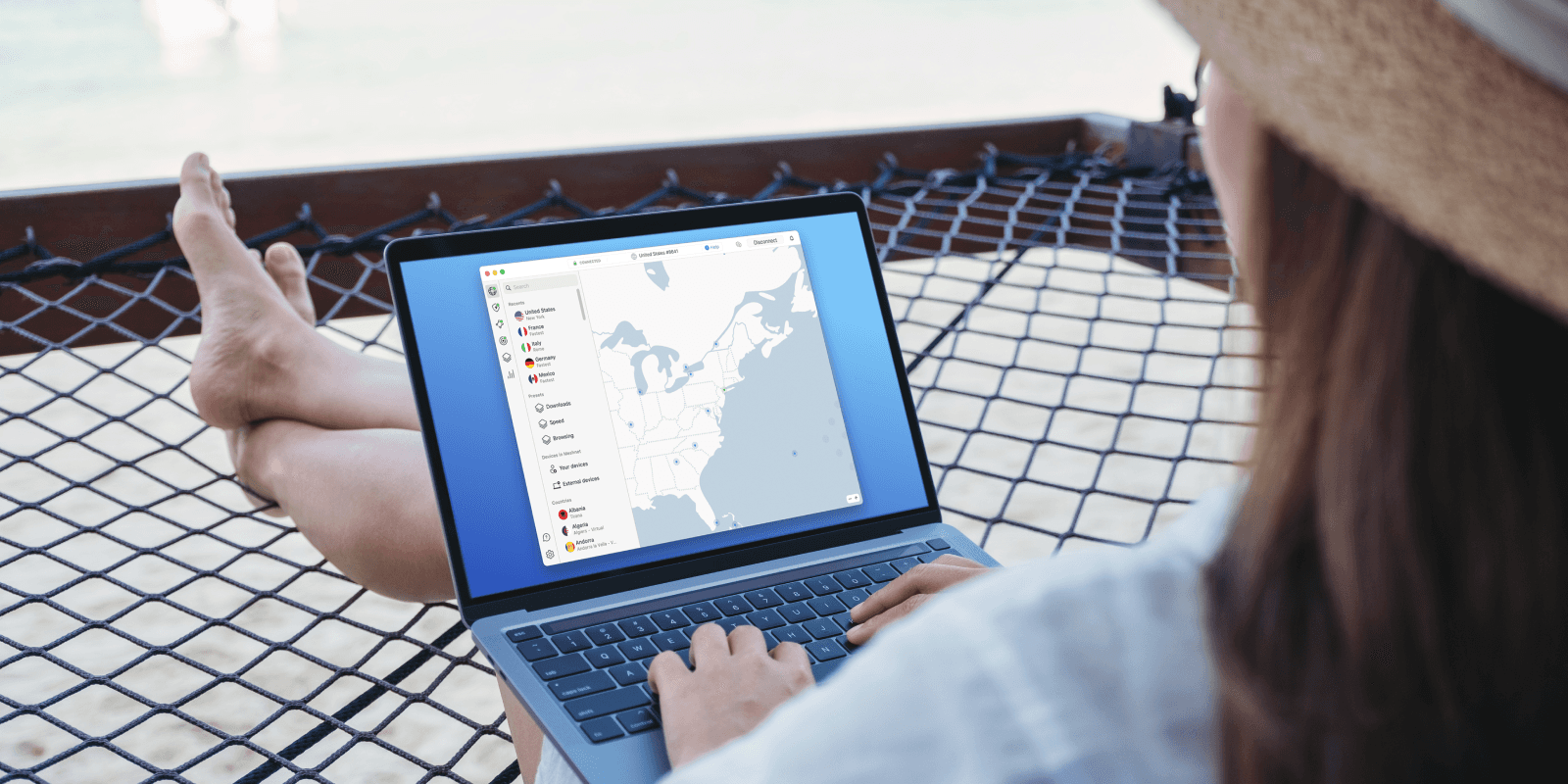
When you travel, it helps protect your connection on networks you do not control. When you use public Wi-Fi, it encrypts your traffic and reduces exposure. When you work remotely, it adds privacy while using cloud tools, email, dashboards, and work accounts. When you browse at home, it helps reduce how much of your activity is exposed through your direct IP address. When you shop online, it gives you another layer of protection during sensitive sessions. When you use multiple devices, it lets you protect more of your setup under one subscription.
For travelers, one of the most useful benefits is being able to securely access accounts and services you already subscribe to back home. That can include your email provider, banking services, work platforms, cloud storage, news subscriptions, and other legitimate accounts you already use. The important part is that the VPN helps create a safer connection while you are away from your normal network.
The value is not that NordVPN does one dramatic thing. The value is that it makes many small online moments safer and more private.
That is what makes it feel worth paying for.
What NordVPN Does Not Do
A good review should also be clear about what a product does not do.
NordVPN does not make you completely anonymous. No VPN can promise that. Websites can still identify you if you log into accounts. Your behavior can still reveal information. Cookies, browser fingerprinting, account logins, payment details, and device settings can still matter.
NordVPN also does not replace strong passwords. If you use weak passwords or reuse the same password everywhere, a VPN does not fix that. You should still use a password manager, turn on two-factor authentication, and keep your accounts secure.
It also does not protect you from every scam. Scam and phishing protection can help, but you still need to be careful. If a website asks for sensitive information in a suspicious way, slow down. If an email creates urgency or asks for login details, check it carefully. If a deal looks fake, it probably is.
This is why I like describing NordVPN as a layer, not a shield that replaces everything else.
It is a very useful layer. But smart online behavior still matters.
NordVPN for Remote Work and Students
Remote work and studying online make VPNs more useful than they used to be.
A lot of people now work from different places: home, school, coworking spaces, cafés, libraries, hotels, and airports. Students might log into school accounts from dorms, public networks, and shared Wi-Fi. Freelancers might manage client files, invoices, emails, and dashboards from wherever they are.
This kind of lifestyle makes internet security more important because the network changes constantly.
NordVPN fits this well because it is simple enough to turn on before starting work. If you use cloud storage, email, project management tools, dashboards, banking, or client portals, adding VPN protection can be a smart habit.
It is not just about hiding something. It is about protecting normal, boring, important online activity.
That is often where security matters most.
The Travel Angle: Why It Matters More Than People Think
Travel makes digital life messy.
Your phone connects to new networks. Your laptop connects to hotel Wi-Fi. Your bank may notice unusual login locations. Your work apps may ask for extra verification. Your subscriptions may behave differently. Your device might be used in public spaces where people can see your screen. You might be rushing, tired, or distracted.
That combination creates risk.
A VPN does not remove every travel problem, but it helps with one important part: making the connection more secure. For me, that is the strongest travel use case for NordVPN. It gives you a little more control when everything else is changing.
If you are traveling, the best way to think about NordVPN is not as a trick or shortcut. Think of it as part of your travel setup, like a power bank, passport holder, or luggage tracker. You may not think about it every second, but you are glad you have it when you need it.
Why NordVPN Scores 9.8/10
NordVPN gets a 9.8/10 because it is both useful and easy to use.
Some digital tools are powerful but annoying. Others are simple but too limited. NordVPN lands in the strong middle: it is easy enough for beginners, but still includes serious privacy and security features.
The biggest benefits are clear. It encrypts your connection. It helps protect your activity on public Wi-Fi. It hides your direct IP address from websites. It supports up to 10 devices. It has a no-logs position that has been independently checked. It includes extra scam, phishing, malware, ad, and tracker protection features. It is useful for travel, remote work, public networks, and everyday browsing.
That is a strong value package.
The reason it does not get a perfect 10 is that no VPN is perfect. Speeds can vary. Some features depend on your plan or device. A VPN does not replace full cybersecurity habits. And some people may not need a VPN every single day if they rarely travel, never use public Wi-Fi, and do not care much about online privacy.
But for most people, especially anyone who travels or uses public networks, the value is obvious.
Value: 9.7/10
Use: 9.9/10
Build: 9.8/10
Regret: 9.8/10
WorthTheCart Rating: 9.8/10
How I Would Use NordVPN in Real Life
The best way to use NordVPN is to make it part of a normal routine.
Before connecting to airport Wi-Fi, turn it on. Before working from a café, turn it on. Before logging into accounts from a hotel, turn it on. When traveling, keep it ready on your laptop and phone. If you use multiple devices, set them up once so you do not have to think about it later.
I would also turn on the extra protection features if they are available on your device and plan. Scam, phishing, malware, ad, and tracker protection can make browsing feel cleaner and safer, especially if you visit many different websites every day.
The key is consistency. A VPN only helps when you actually use it. NordVPN’s biggest advantage is that it is easy enough to use consistently.
That is what makes it worth considering.
Is NordVPN Worth It?
Yes, NordVPN is worth it if you care about safer browsing, public Wi-Fi protection, travel security, and everyday privacy.
It is especially worth it if you use a laptop or phone in different places. Airports, hotels, cafés, schools, coworking spaces, libraries, and shared networks are exactly where a VPN makes the most practical sense.
It is also worth it if you want one privacy tool that can cover several devices. The ability to protect up to 10 devices on one account makes it easier to use across a real setup instead of treating the VPN like a single-device app.
The biggest reason I recommend NordVPN is not because it sounds technical. It is because it feels useful in ordinary life. A good VPN should not feel like something only cybersecurity experts understand. It should feel like a simple app that helps protect you while you do normal things online.
That is exactly where NordVPN is strong.
WorthTheCart Verdict
NordVPN is one of the easiest digital tools to recommend because it solves a real problem without making the solution feel complicated.
It protects your connection on public Wi-Fi. It helps keep your browsing more private. It supports multiple devices. It includes extra protection against scam, phishing, malware, ads, trackers, and dangerous URLs. It is especially useful when traveling, working remotely, or using networks you do not control.
It is not a replacement for strong passwords, safe browsing, or common sense. But it is a very strong extra layer.
Overall Winner: NordVPN
WorthTheCart Rating: 9.8/10
NordVPN is worth the cart if you want a simple, polished, and practical way to make everyday browsing feel safer. For travel, public Wi-Fi, remote work, and general online privacy, it is one of the most useful tools you can add to your digital setup.


Pros
NordVPN is easy to use, works across major devices, supports up to 10 simultaneous device connections, has a no-logs position that has been independently checked multiple times, and includes extra protection features that can block ads, trackers, malicious URLs, scam websites, phishing pages, and certain dangerous downloads. It is simple enough for beginners, but still powerful enough for people who care more seriously about online privacy and security.
Cons
A VPN does not make you invisible online, and it does not replace strong passwords, two-factor authentication, safe browsing habits, software updates, or common sense. Prices and features can vary depending on plan and region, and some advanced protection features may depend on the device, app version, operating system, or subscription tier.
WorthTheCart? Final Verdict
NordVPN earns a 9.8/10 because it solves real everyday problems without feeling difficult to use. It protects your connection on public Wi-Fi, adds privacy to normal browsing, helps reduce tracking and malicious web risks, and makes travel easier when you want secure access to the services you already subscribe to back home. It is not magic, but it is one of the most useful digital tools most people can add to their setup.